
Active Directory in your pocket—not your laptop bag.
Users, groups, OUs, and day-two tasks from your phone. LDAP with SSL/TLS—no agents on your domain controllers.
iOS, Android, Mac

Why IT Teams Choose ADSignify
- Not a remote desktop client
- No software required on AD servers
- Secure LDAP with SSL/TLS support
- Profile-based multi-environment access
- Designed for Windows administrators
- Optimized for mobile workflows
Focused directory management — without workstation dependency.
See it in Action
Essential Active Directory Administration Tools
Everything you need to manage users, groups, and permissions — from anywhere.
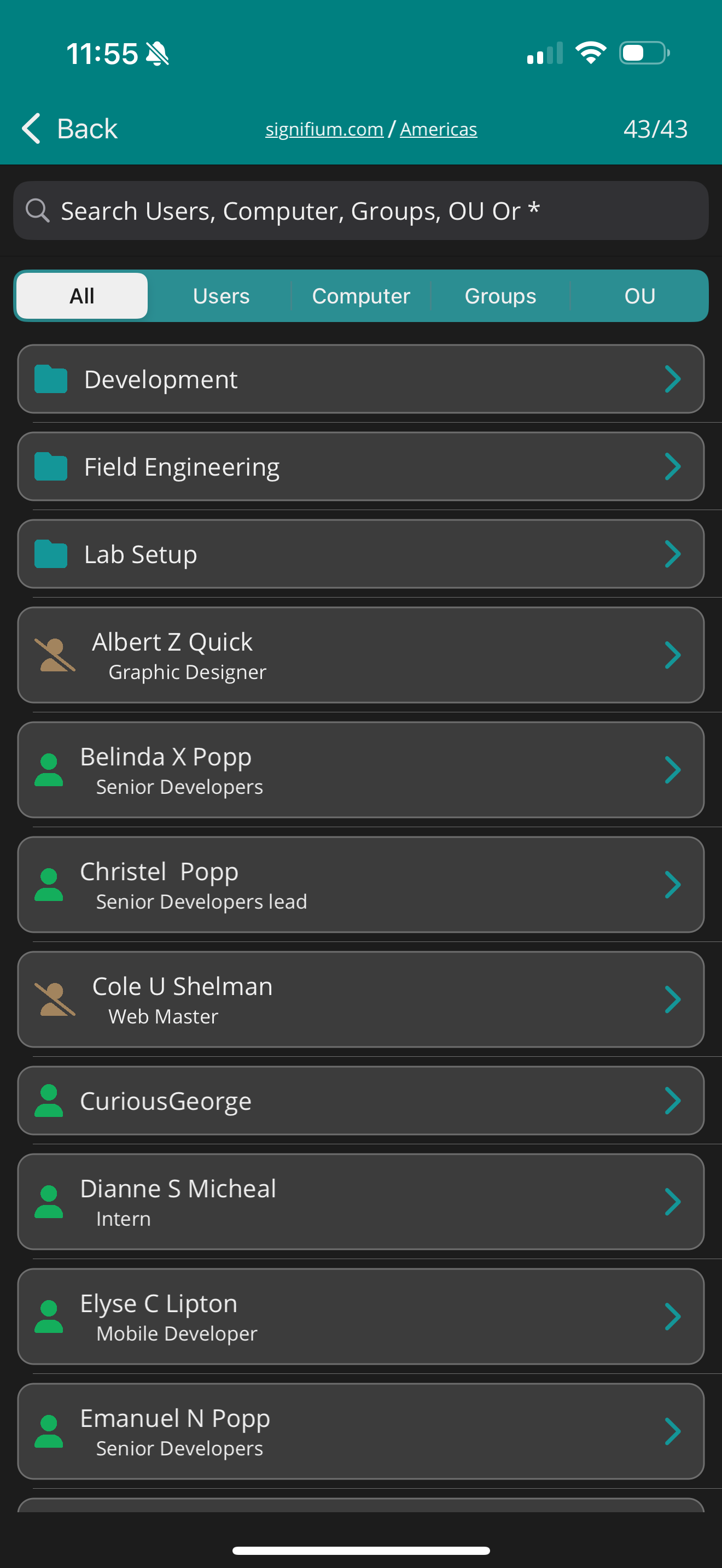
Core day-to-day directory operations.
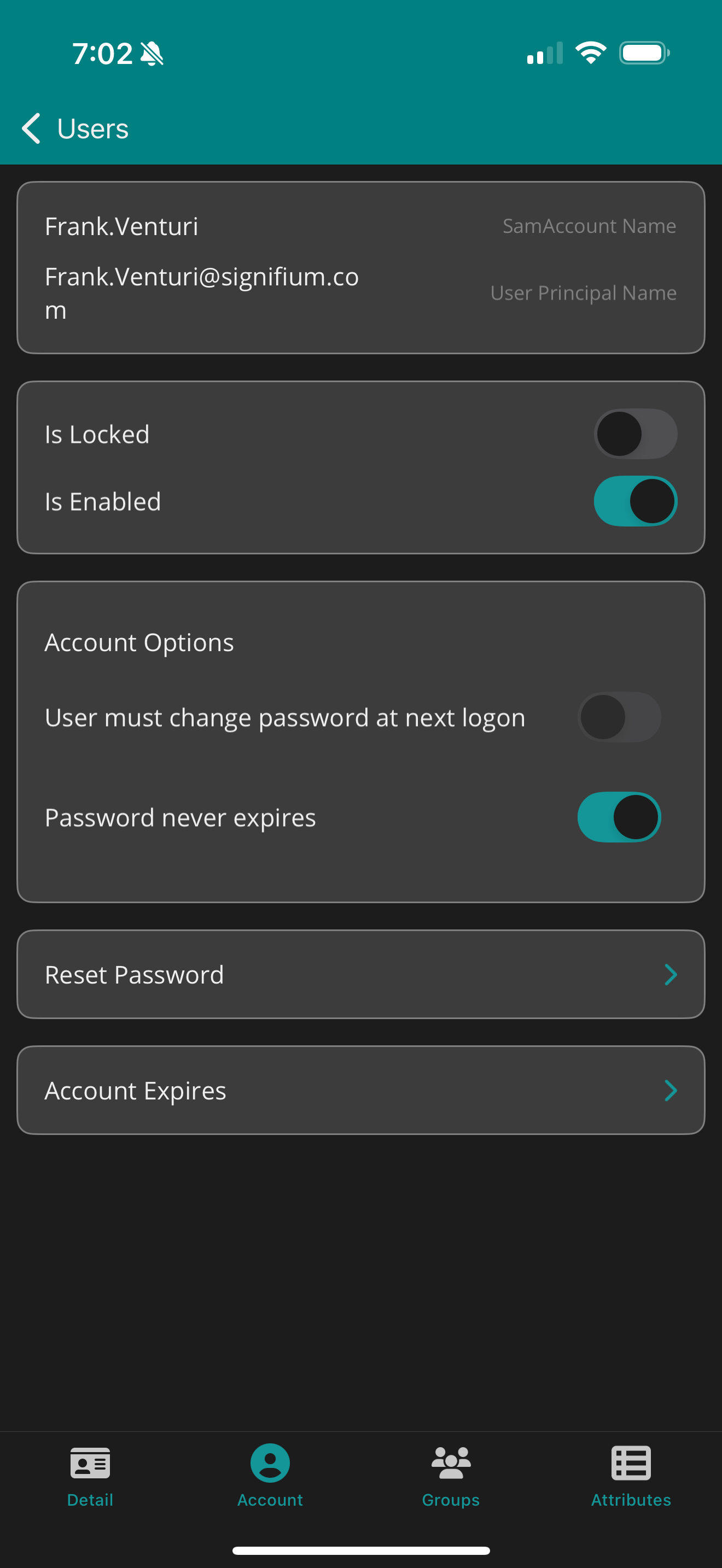
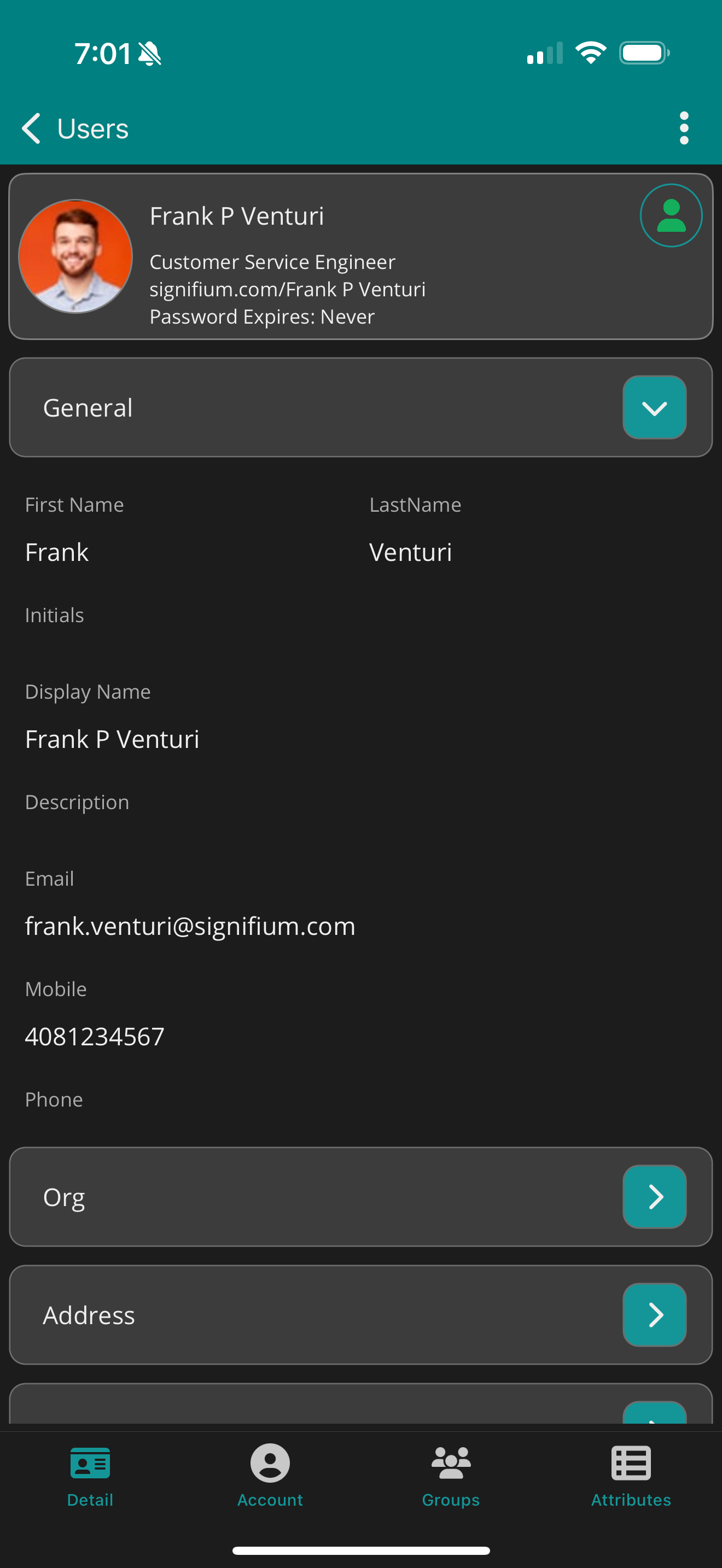
- Create, modify, and delete users
- Reset passwords securely
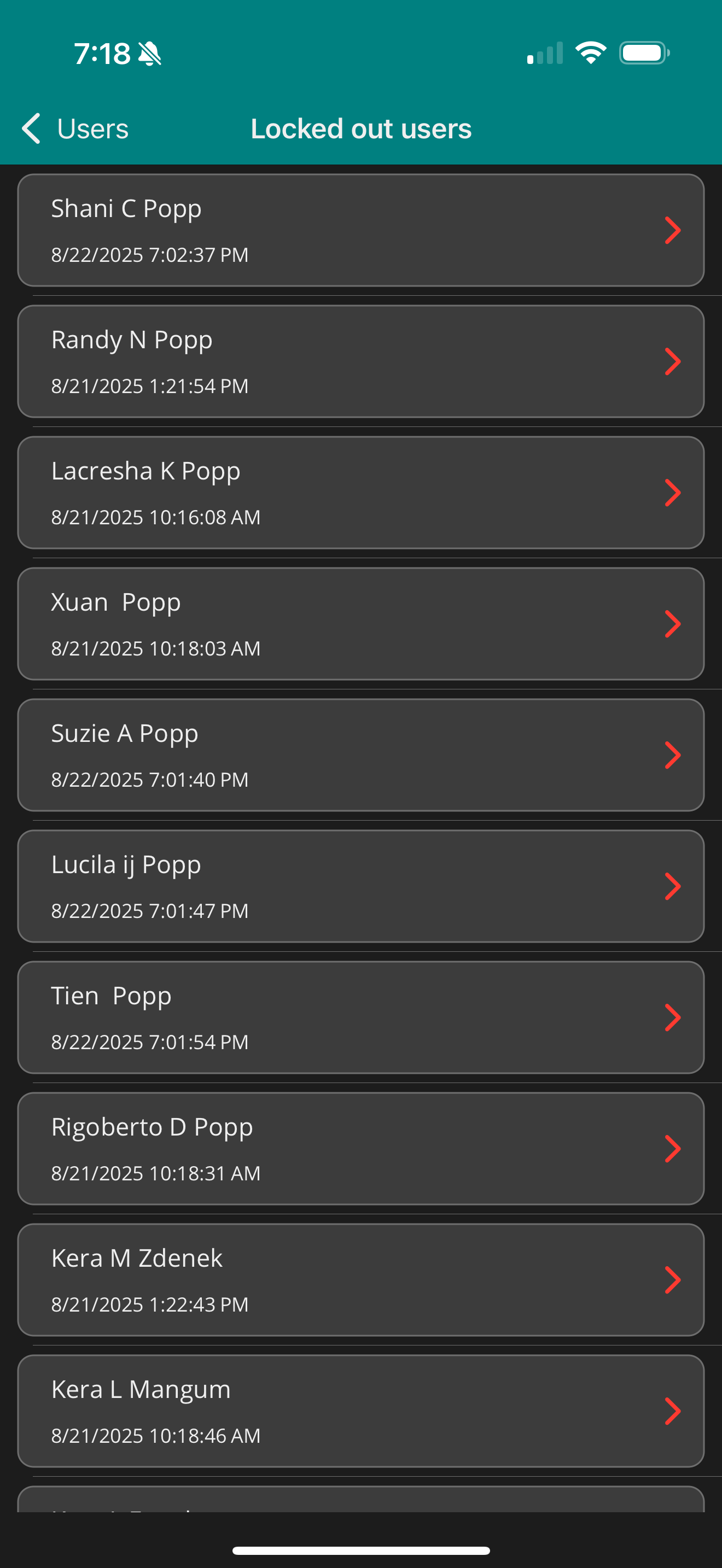
- Unlock locked accounts
- Enable or disable user accounts
- Manage account expiration
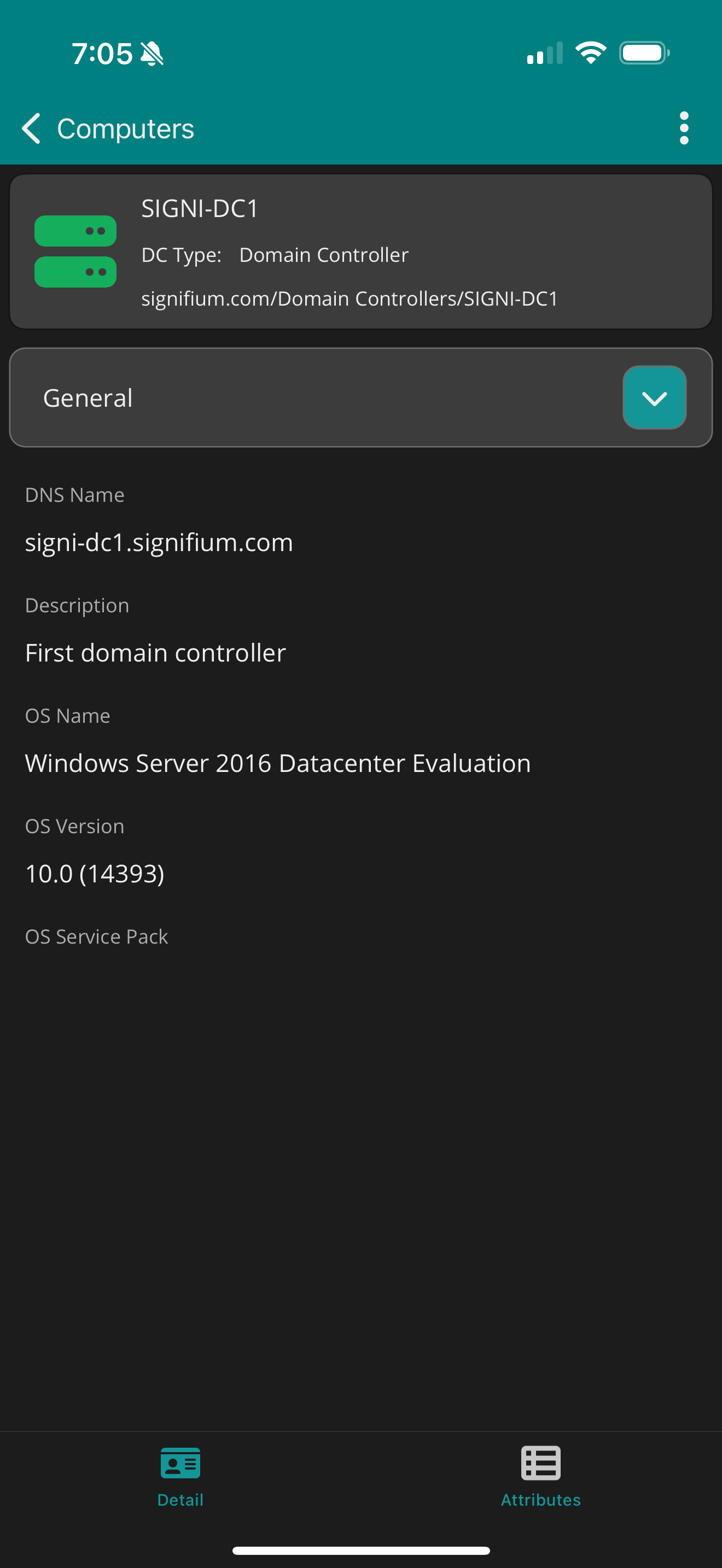
- View user attributes instantly
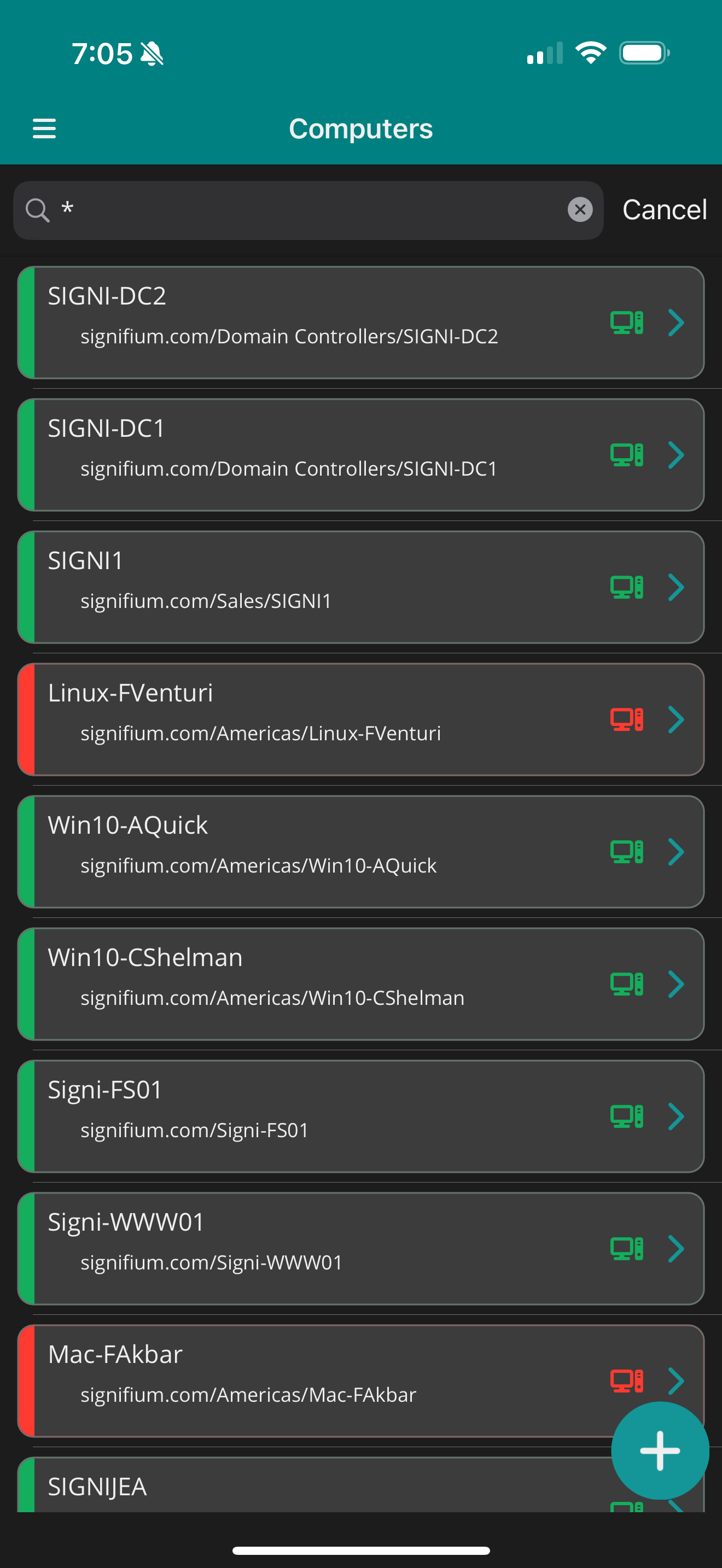
- Validate account status at a glance
Need server monitoring? See WinPulse
Security & Architecture
- No additional software is required on your Active Directory servers. No agents. No server-side components.
- Access is controlled through structured profiles to maintain separation between environments.
- Designed to align with existing domain security policies.
ADSignify configuration
How to install an SSL certificate on Active Directory for LDAP/LDAPS — full guide
Quick setup (PowerShell on the domain controller)
$dcFqdn = "$env:COMPUTERNAME.$((Get-WmiObject Win32_ComputerSystem).Domain)".ToLower()

# Self-signed cert in LocalMachine\My with Server Authentication EKU and SAN (elevated PowerShell)
$cert = New-SelfSignedCertificate `
  -DnsName $dcFqdn, $env:COMPUTERNAME `
  -CertStoreLocation "Cert:\LocalMachine\My" `
  -KeyAlgorithm RSA `
  -KeyLength 2048 `
  -KeyExportPolicy Exportable `
  -HashAlgorithm SHA256 `
  -NotAfter (Get-Date).AddYears(2) `
  -TextExtension @("2.5.29.37={text}1.3.6.1.5.5.7.3.1")

$cert | Format-List Subject,Thumbprint,NotAfter

# LDAPS often picks up after service restart or reboot
Restart-Service NTDS -Force
Restart-Service KDC -Force
What Teams Like About ADSignify
“Very good utility, worked immediately and the programmers managed to bring the functions clearly to the small smartphone display. Very impressive for the first release! $ 4.99 / year for the standard version is fair and if you like me only need such an app occasionally, that's not too much. The only criticism and that from a high level, since the app is still new: the management of several networks for the targeted service staff is missing.”
— App Store User
“This is really amazing app to manage active directory from remote location. I would like the app developers to add a feature to store username and password for multiple clients, so I can switch easily between them”
— App Store User
“This app actually works quite well. I normally just use this when on-site with an end user and need to make a quick change to a computer OU. Saves me from having to lug a laptop around.”
— RJ-NC
Questions
Is ADSignify Free? How Do I Get Premium Features?
Yes, ADSignify is free to download and use. You can access core features at no cost.
For advanced capabilities, simply go to the Settings page in the app and tap Upgrade to unlock premium features via in-app purchase.
Do I need to install and configure any component on the Domain Controller or any server?
No. The app directly connects to your server using the LDAP Protocol. It supports:
• Plain authentication
• SSL authentication
How can I connect from outside the network?
The app connects to your Domain Controller via:
• Port 389 (plain LDAP)
• Port 636 (secure LDAP over SSL)
If your device isn't on the internal network, use a VPN to access the internal network and connect to the Domain Controller using its DNS host name or IP address.
What is my login name and password?
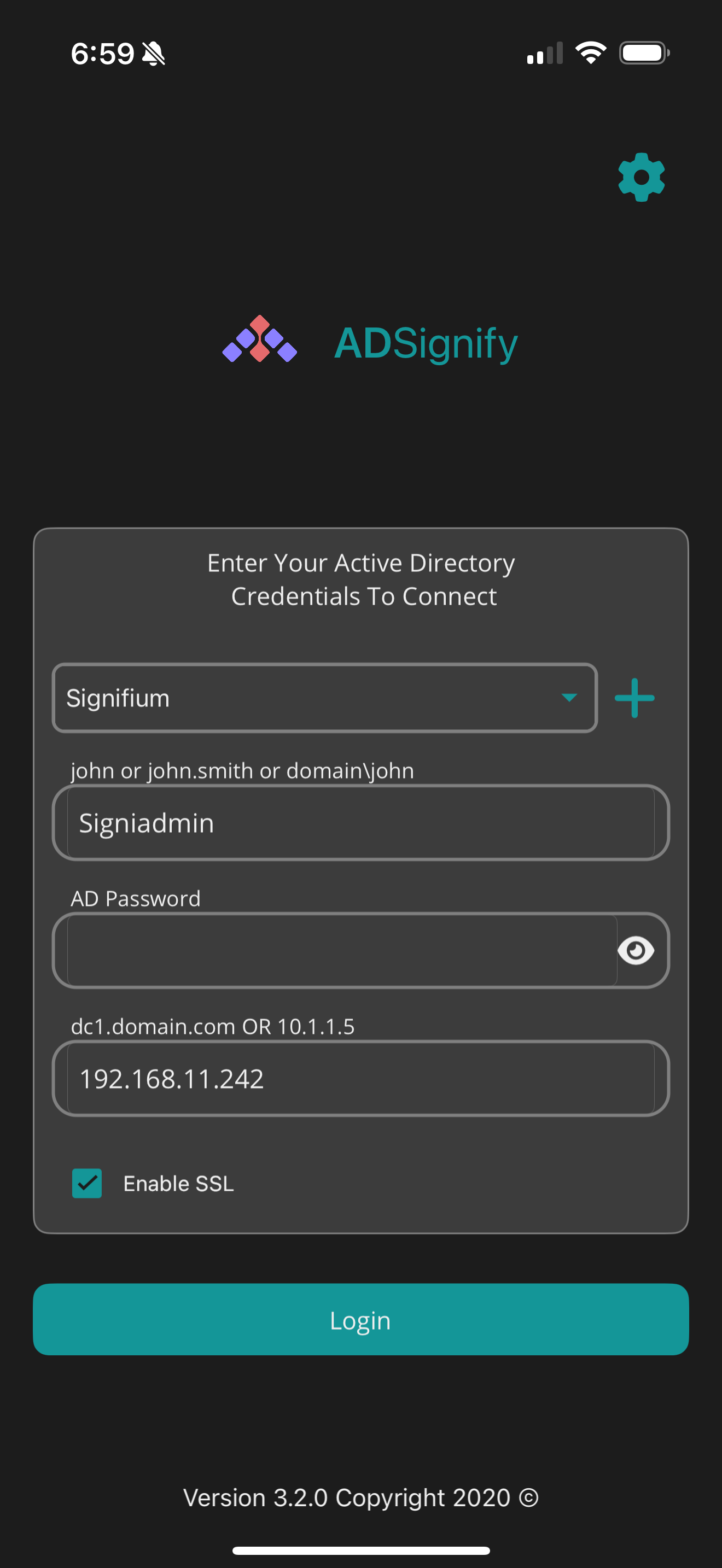
Use your Active Directory username and password to log in. The following formats are supported:
• Signifium\domainuser
• domainuser@Signifium.com
• domain user
Do I need to install SSL on Active Directory?
The app supports both plain and SSL-based communication. While plain authentication works, it is highly recommended to use secure connections for production servers.
If your Domain Controller doesn't already have SSL installed, you can:
• Install a self-signed certificate
• Company's PKI certificate
• Public certificate like Let's Encrypt or others
Both options are free. Check our blogs for detailed instructions on installing these certificates.
Can I Use ADSignify Over Wi-Fi, Cellular, or Outside the Company Network?
Yes! ADSignify works seamlessly over both Wi-Fi and cellular networks—anywhere you have connectivity to your organization's Active Directory servers.
You can use the app inside or outside your company network. For external access, you may need to connect via VPN depending on your setup. Need help automating that connection? Contact us — we'd be happy to help.
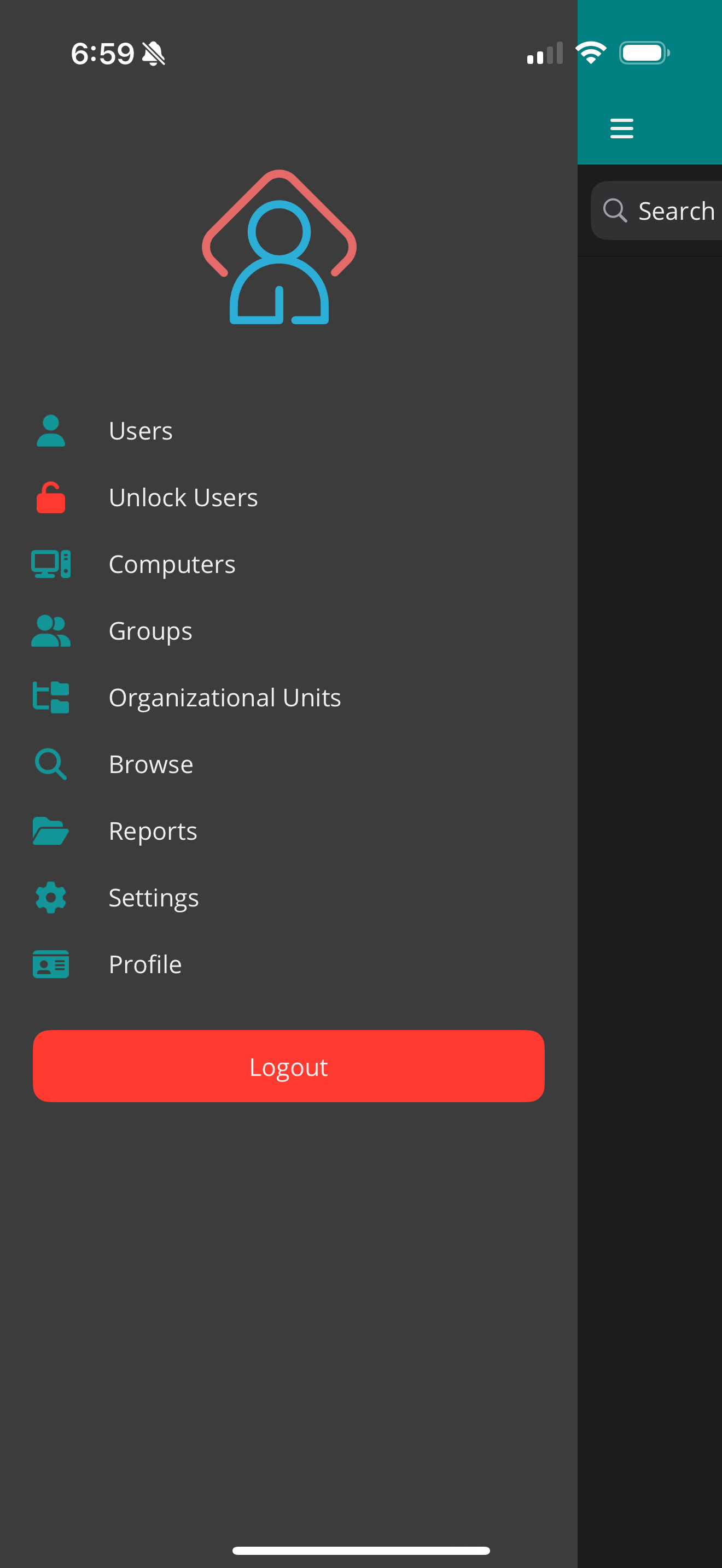
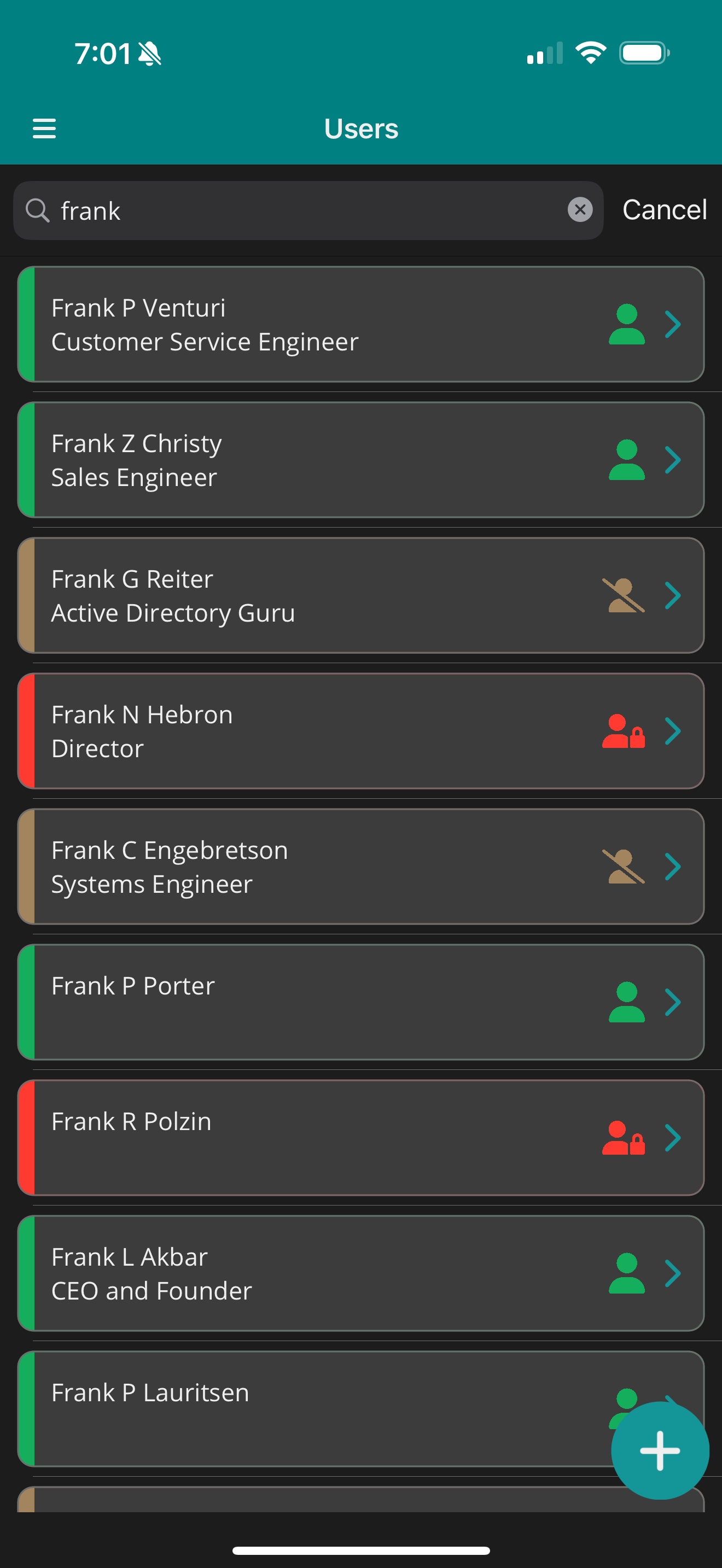
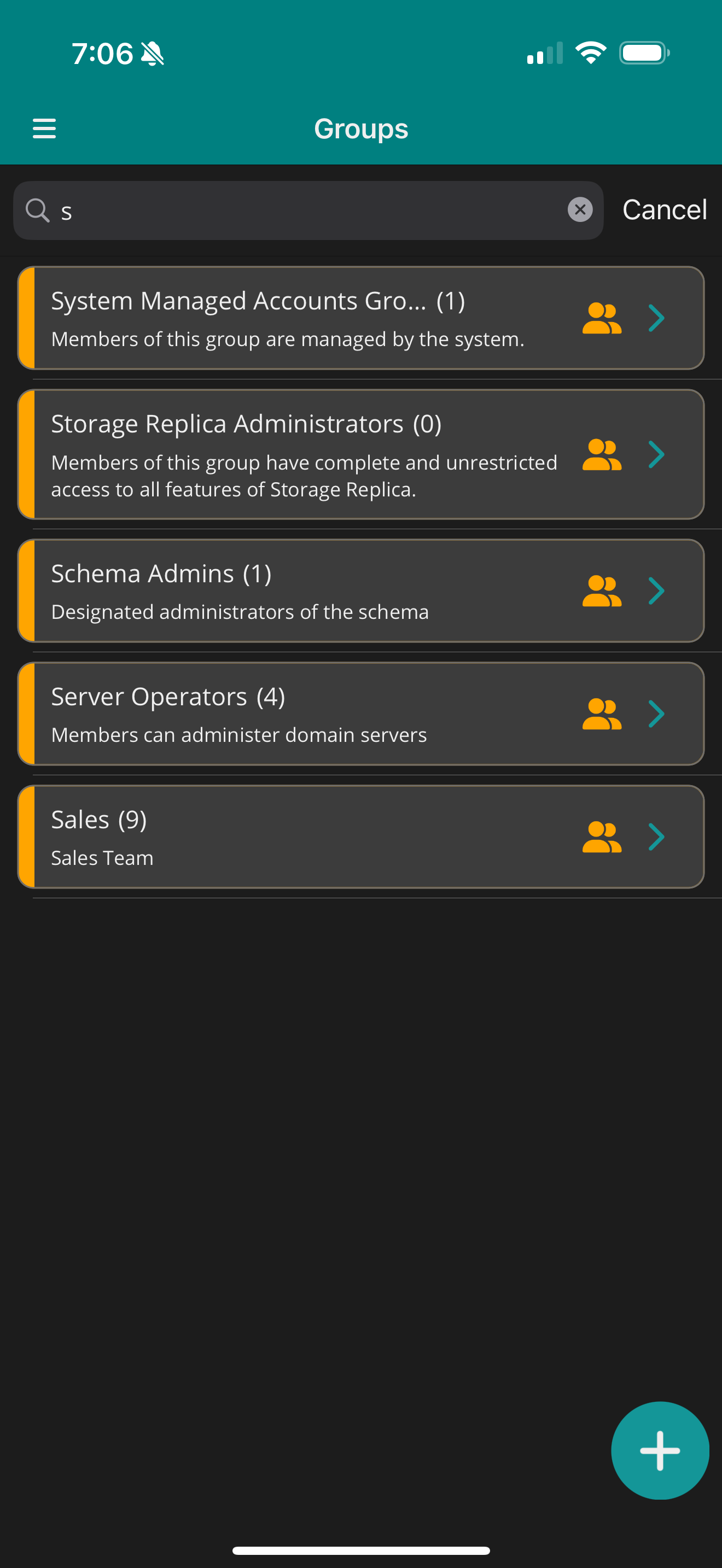
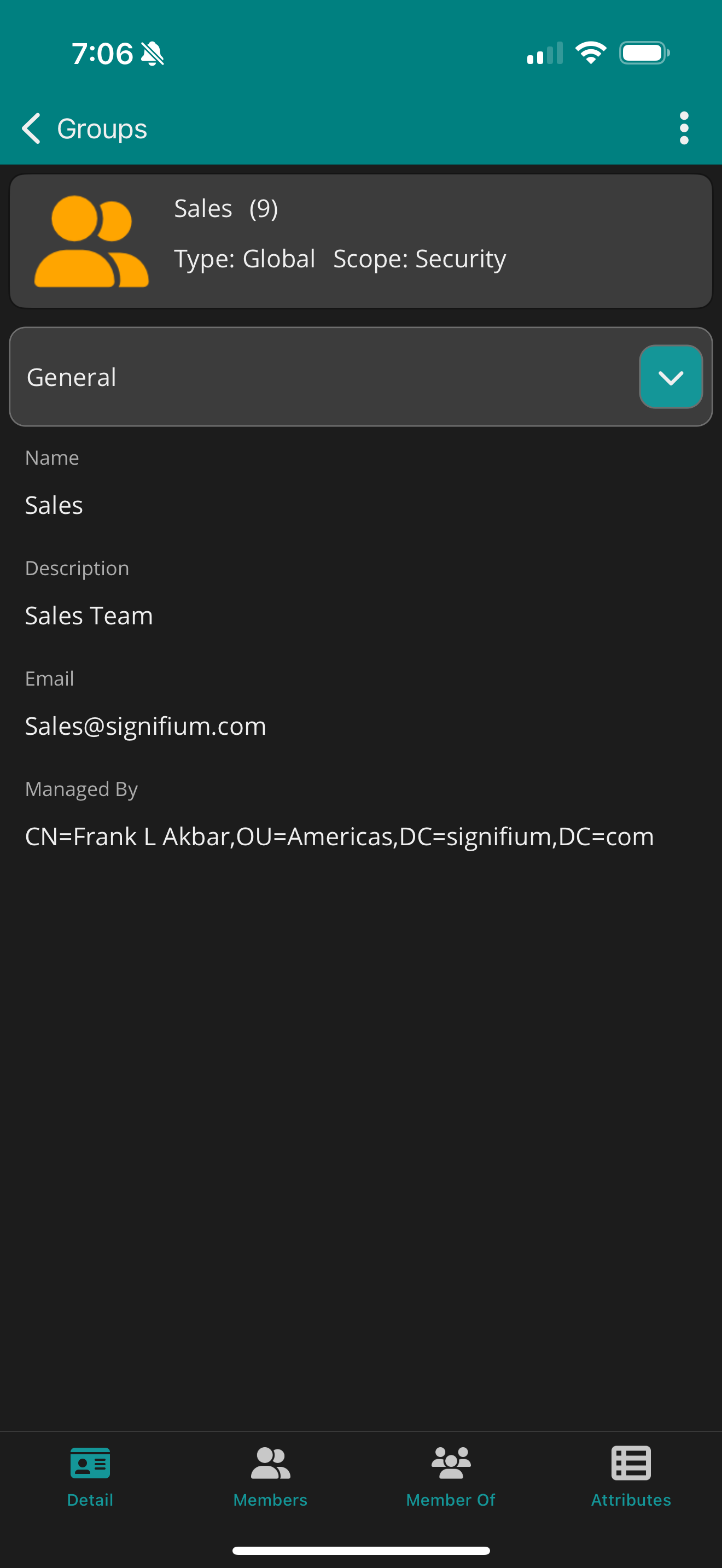
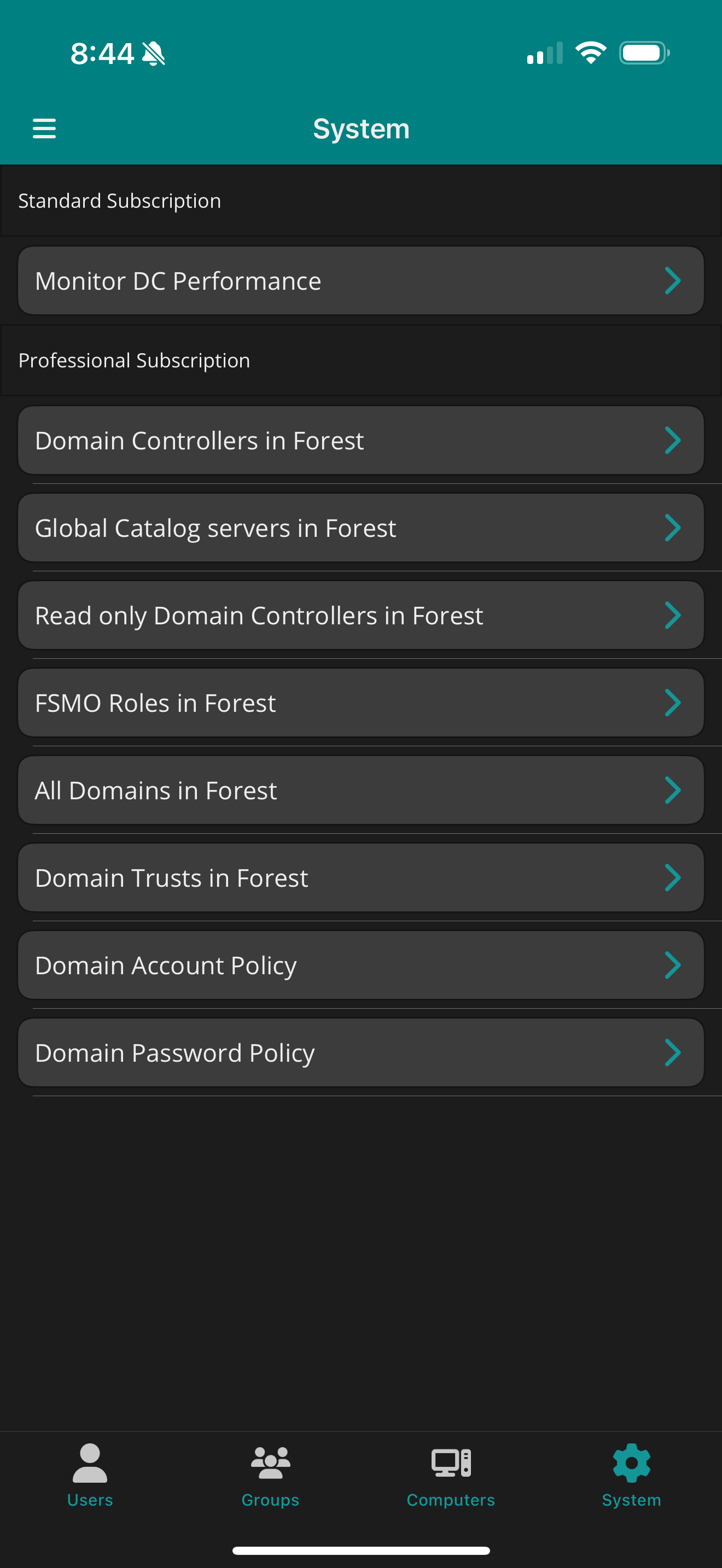
Screenshots & Visual Proof
Swipe through the app — use the arrows or dots below to view more.
1 / 12
Need server monitoring? See WinPulse
Ready to Simplify Active Directory Management?
Get the visibility and control you need — without logging into machines.