
Windows Server admin from anywhere
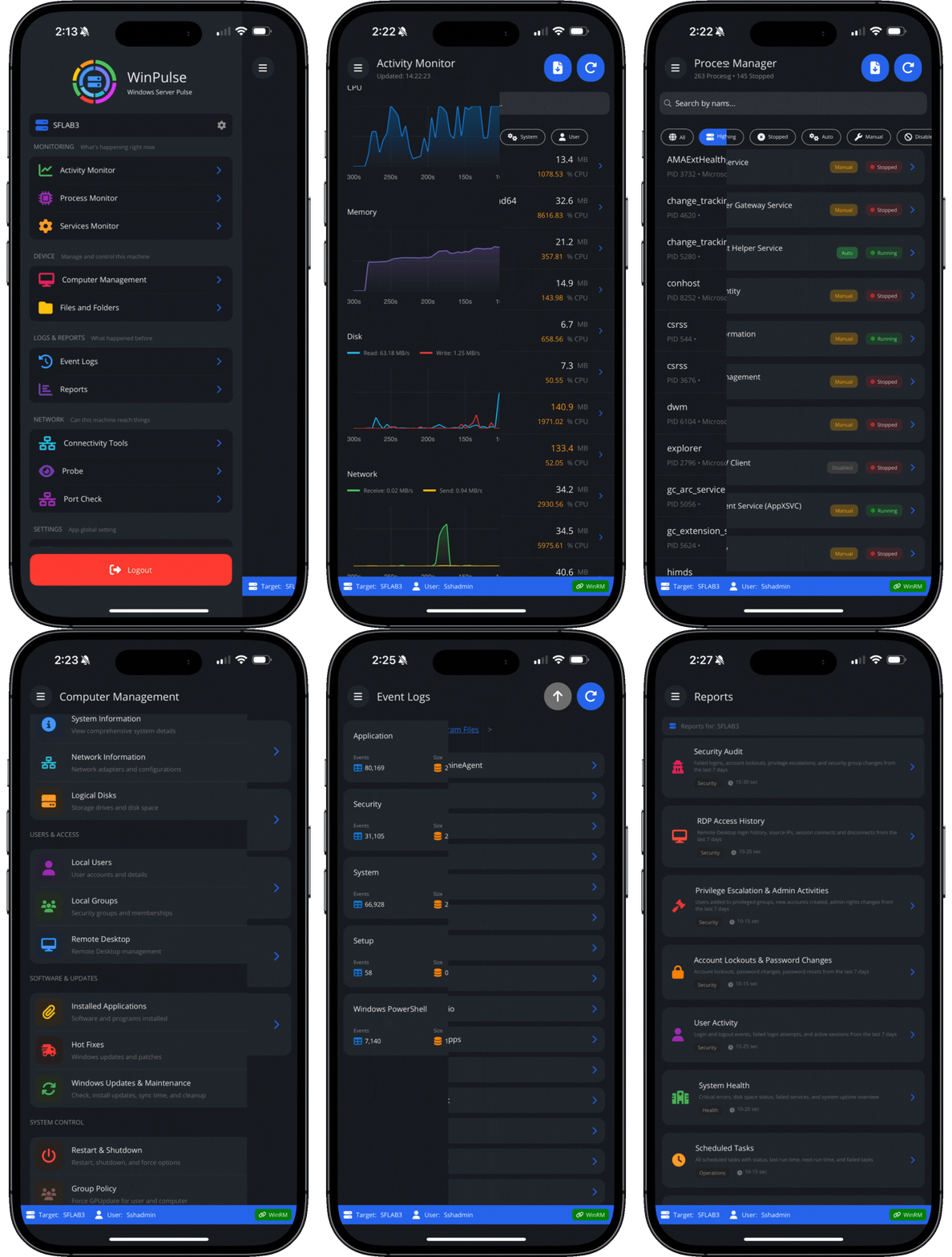
Monitor, troubleshoot, and manage Windows servers from your iPhone or iPad — without depending on full RDP sessions for every task.
iOS, iPadOS, Mac
- Monitor server health in real time
- Inspect processes and services remotely
- Review event logs and reports on the go
- Run network diagnostics from your target systems
Try full access for 14 days. Manage up to 3 machines free after trial.
RDP is powerful — but often too heavy
A lot of Windows admin work doesn’t require a full desktop session.
When you’re on the move, on call, or away from your desk, opening RDP from a phone or tablet is often slow, awkward, and more than you need.
Sometimes you just need to:
- check CPU and memory
- confirm a service is running
- inspect event logs
- browse a folder
- verify connectivity
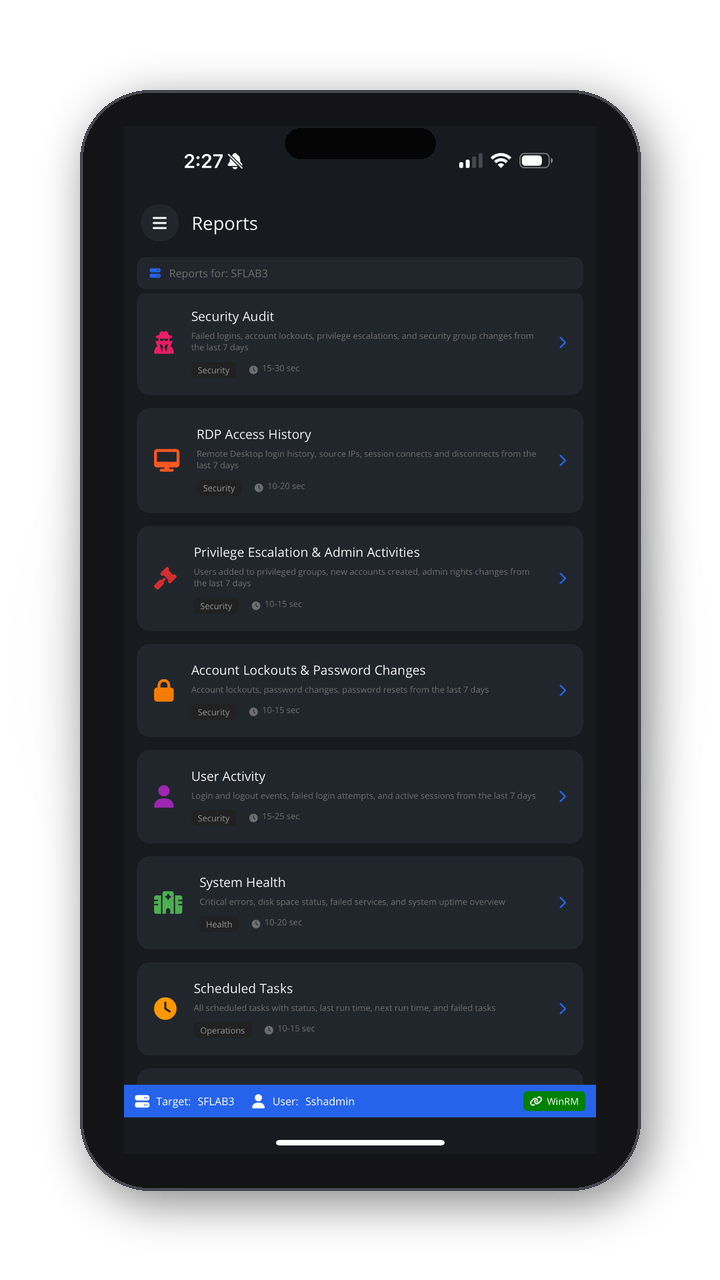
- pull a quick report
That’s where WinPulse fits.
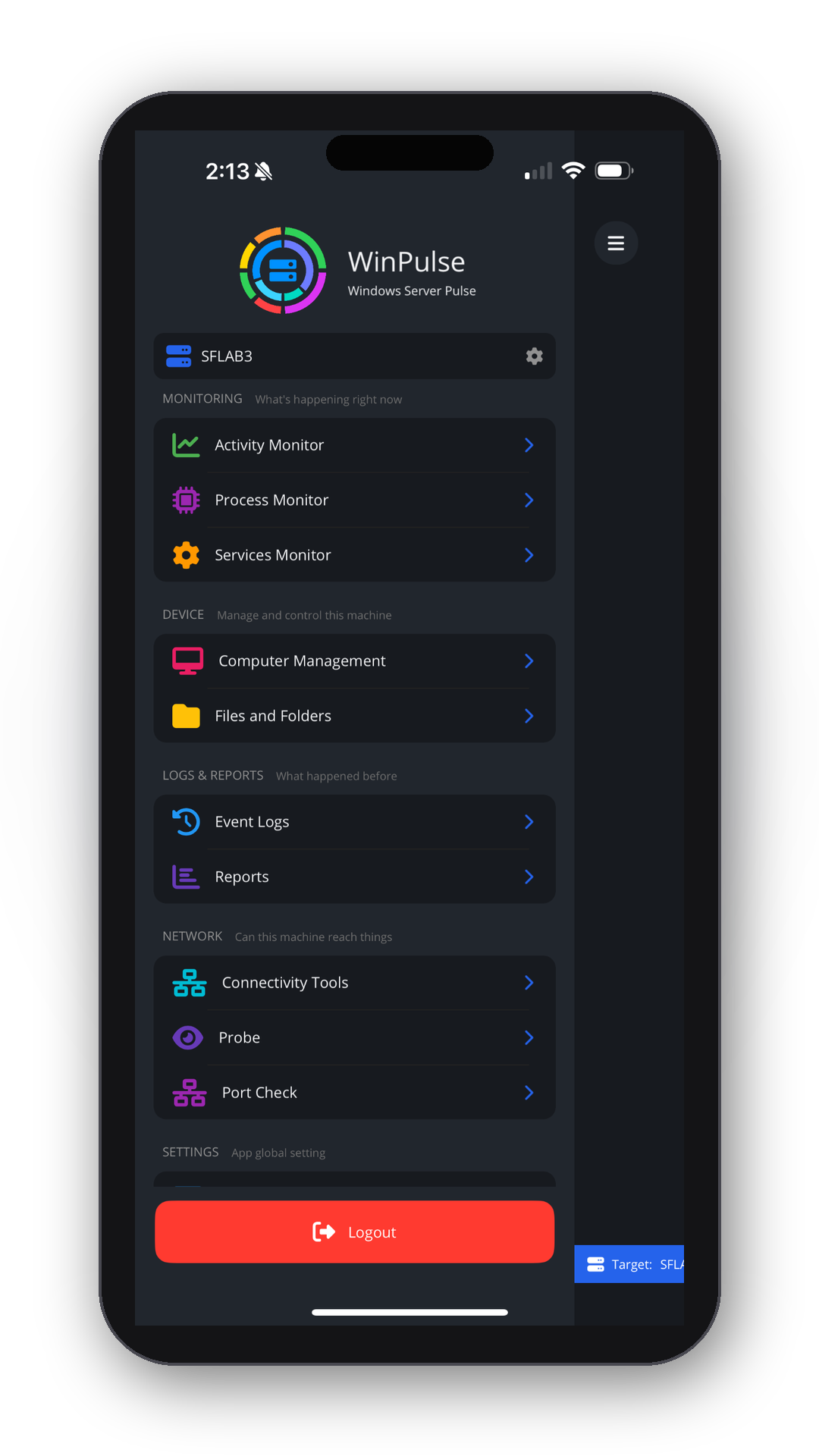
Activity monitor
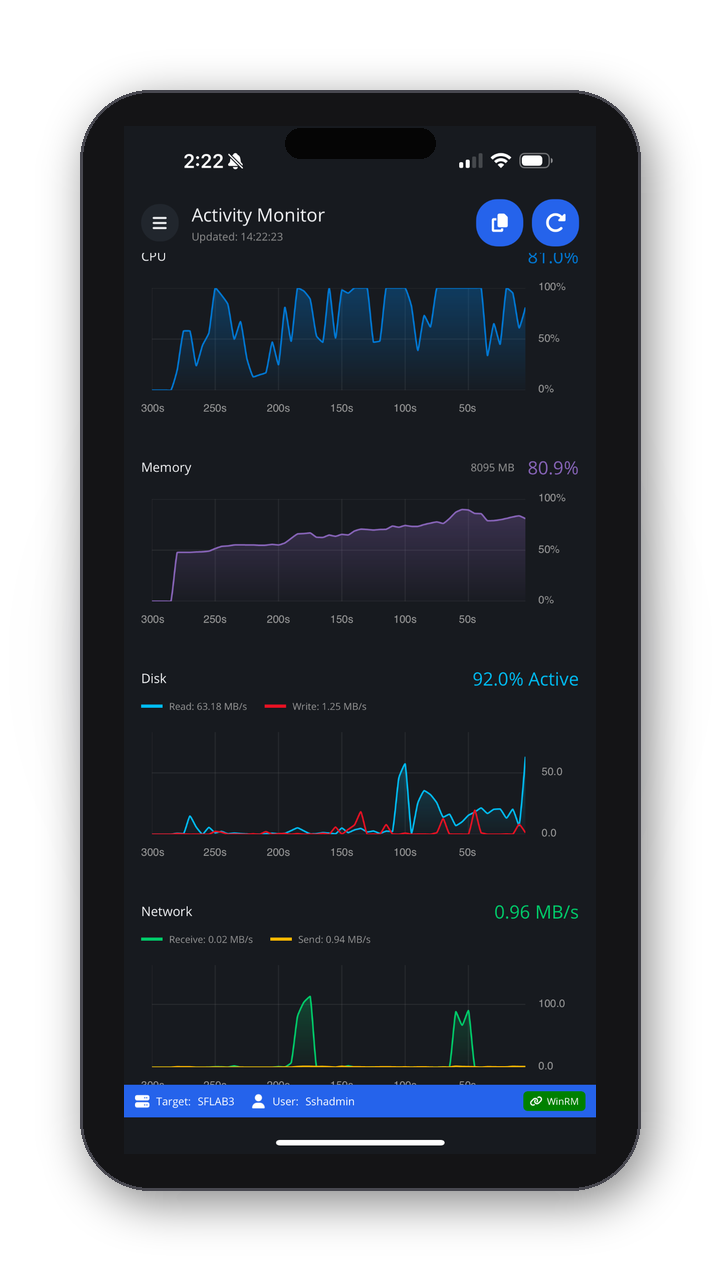
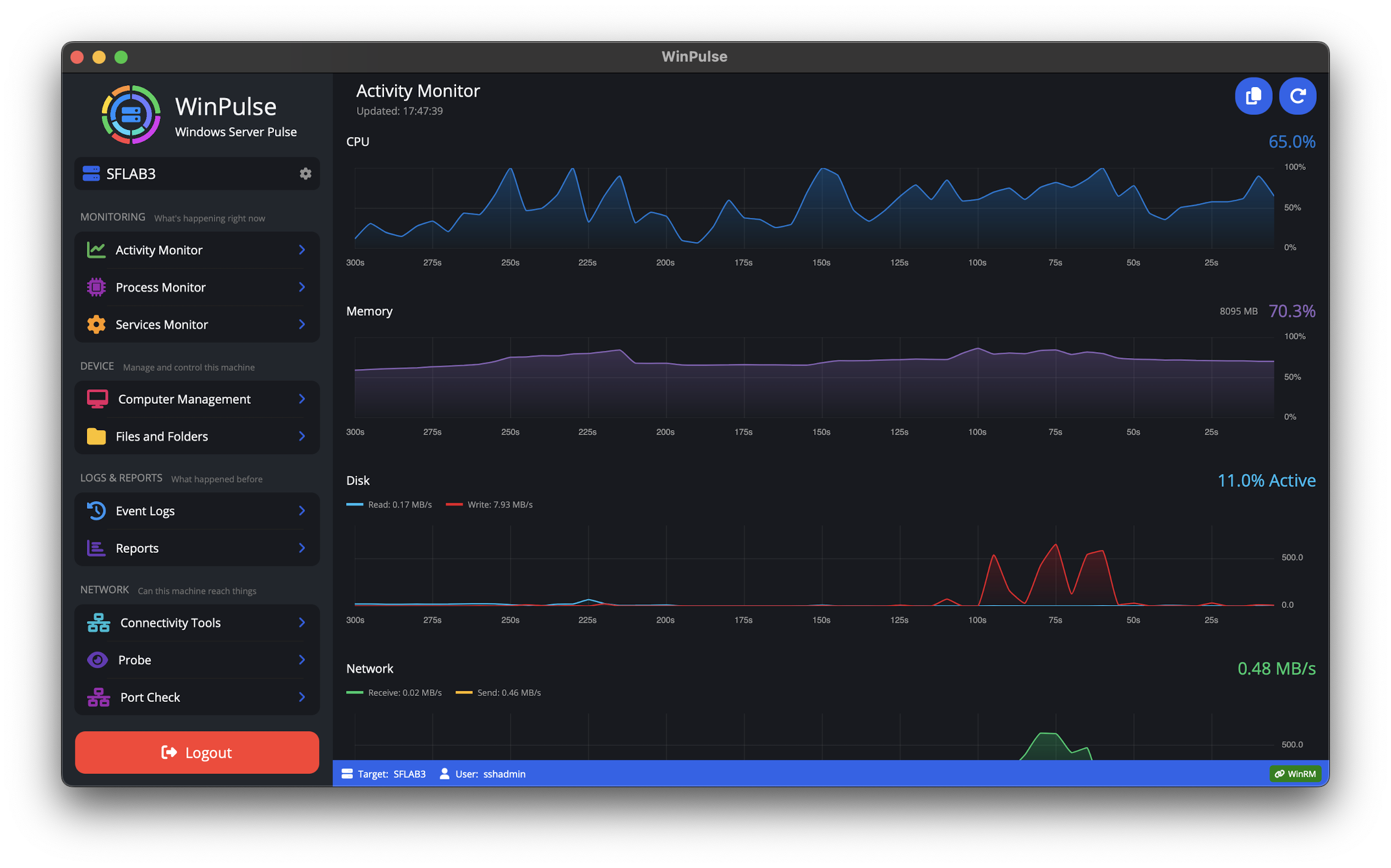
View CPU, memory, disk, and network health at a glance so you can quickly understand workloads.
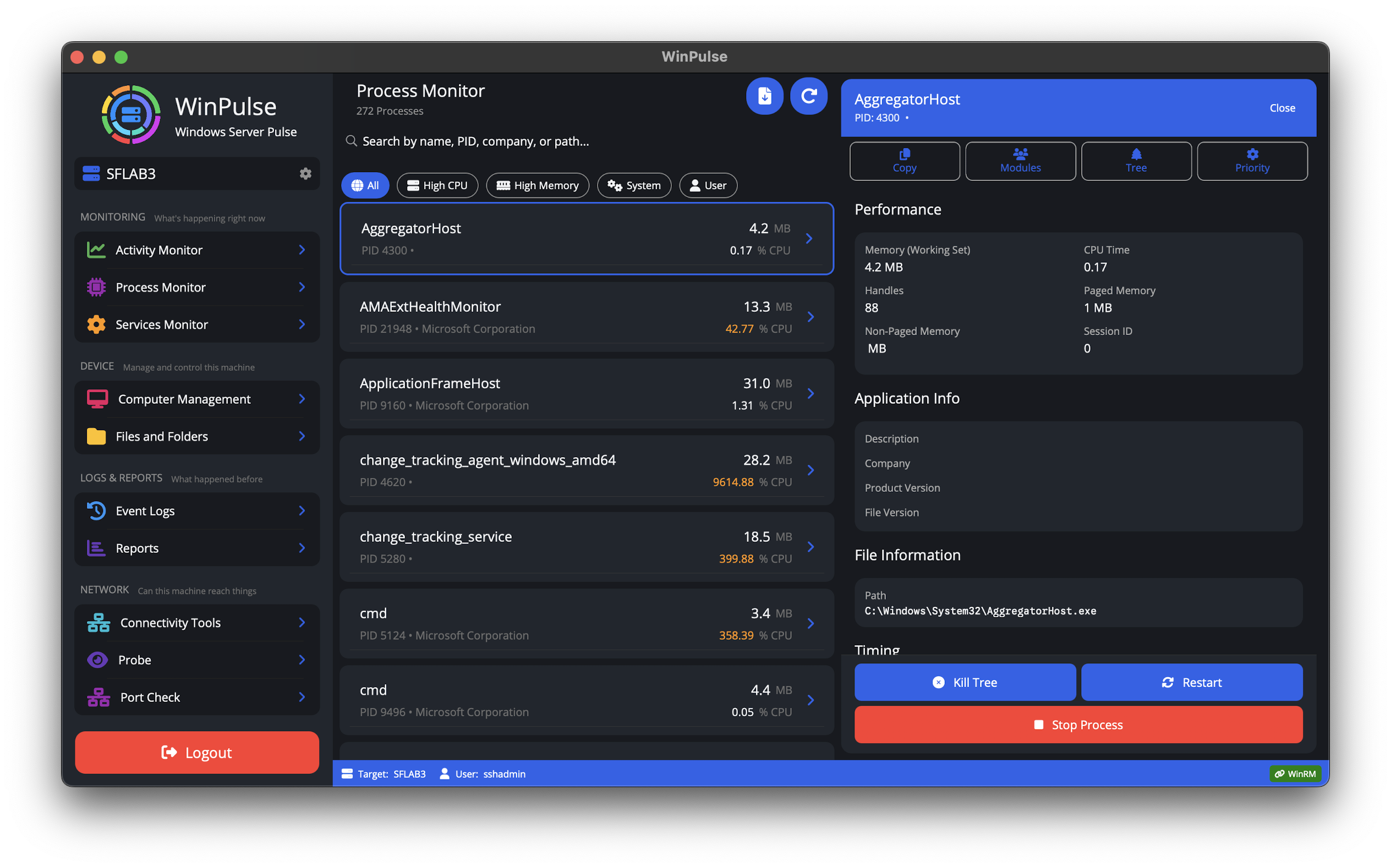
Process monitor
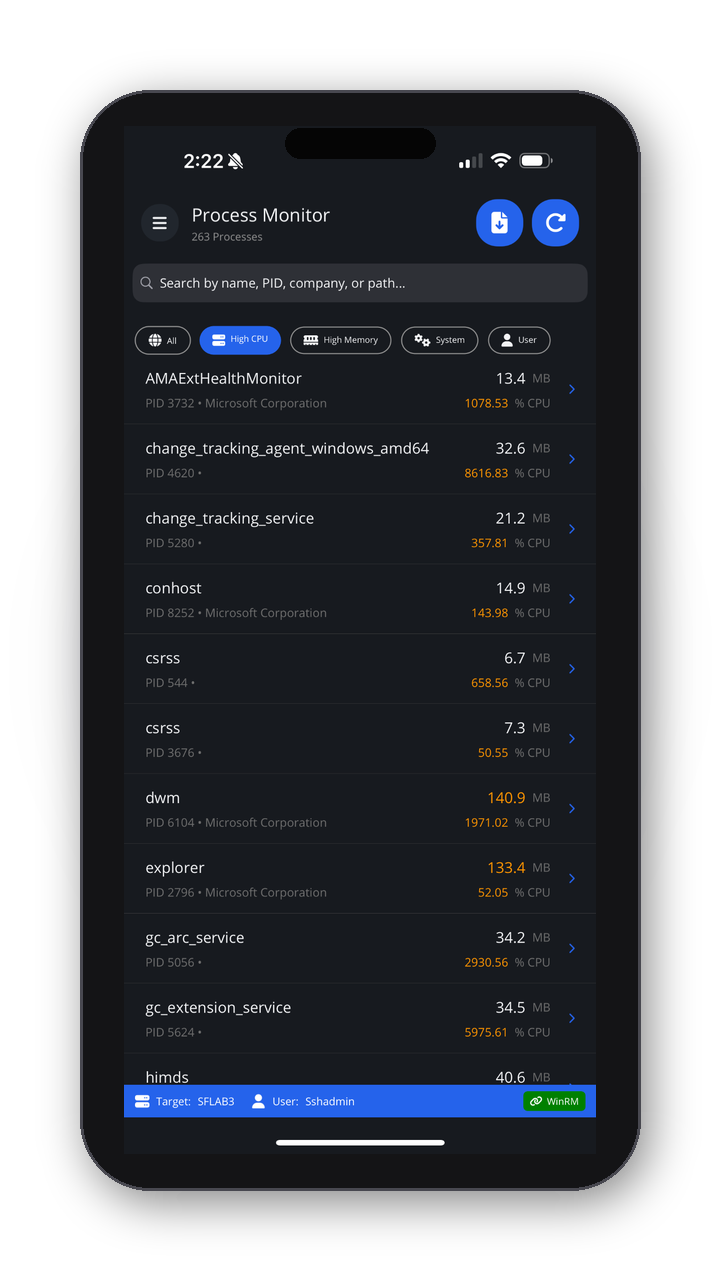
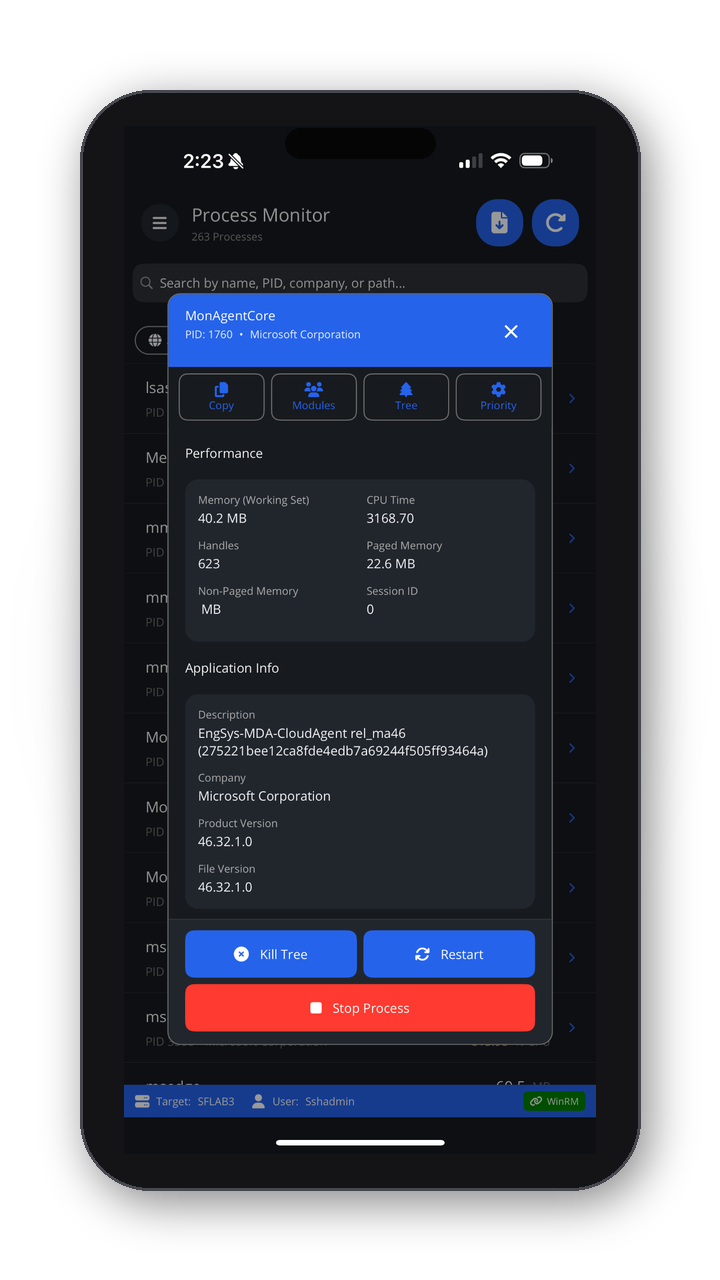
Inspect running processes, sort by activity, and drill into what’s consuming resources. Take action—stop, kill, or restart—from the app.
Service manager
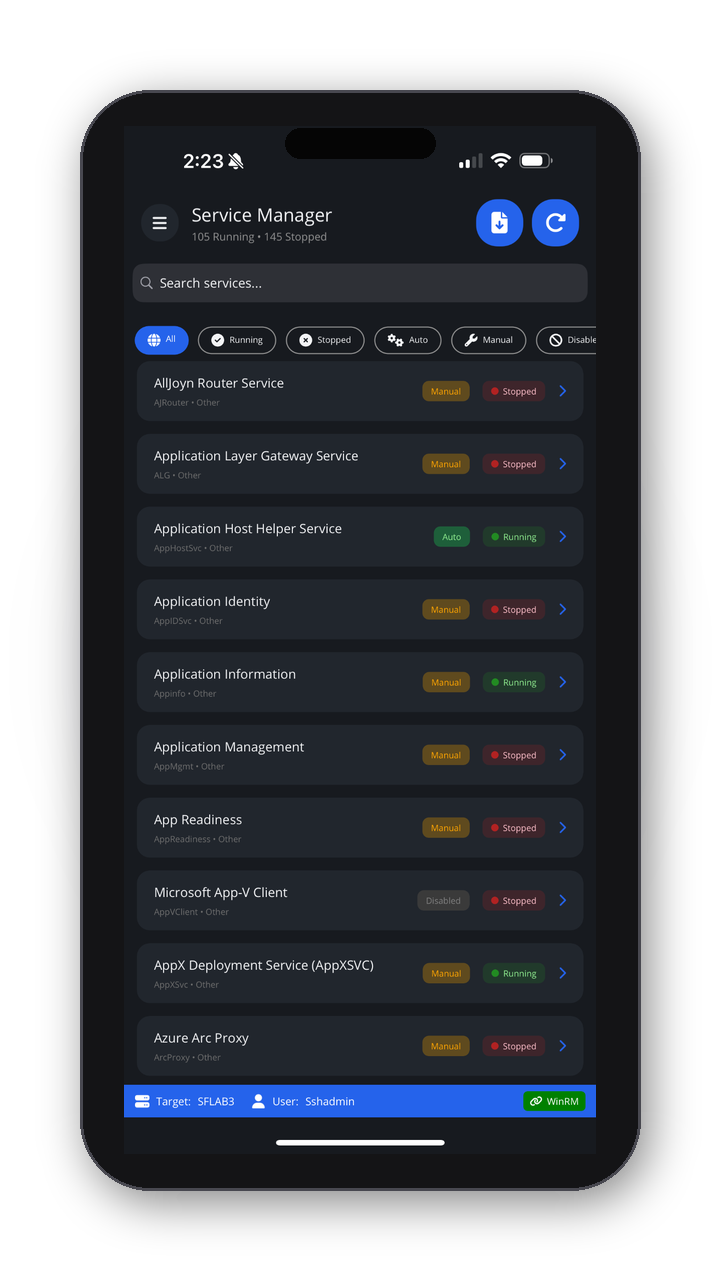
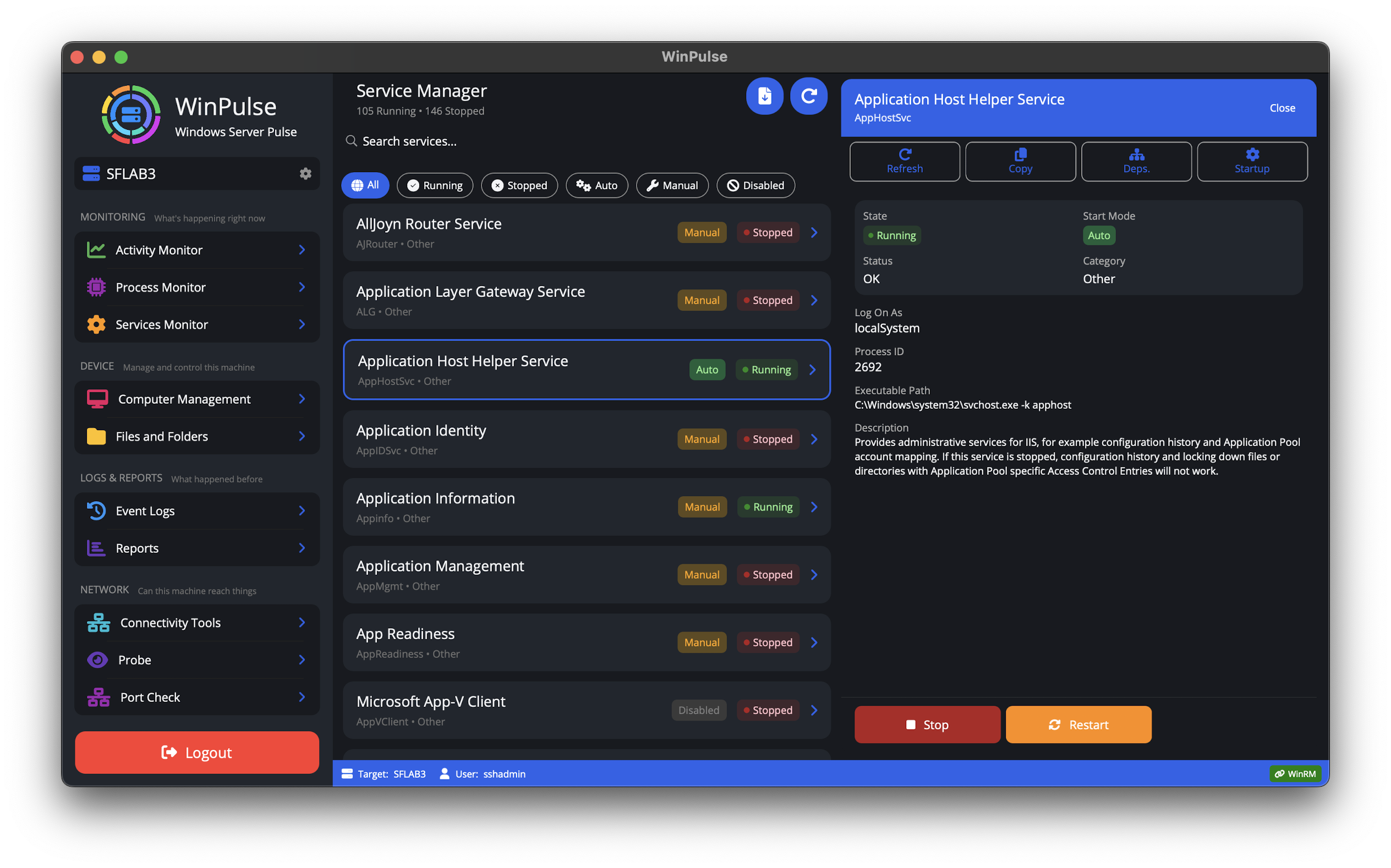
Check service status and take action without opening Services (services.msc) or logging into a desktop.
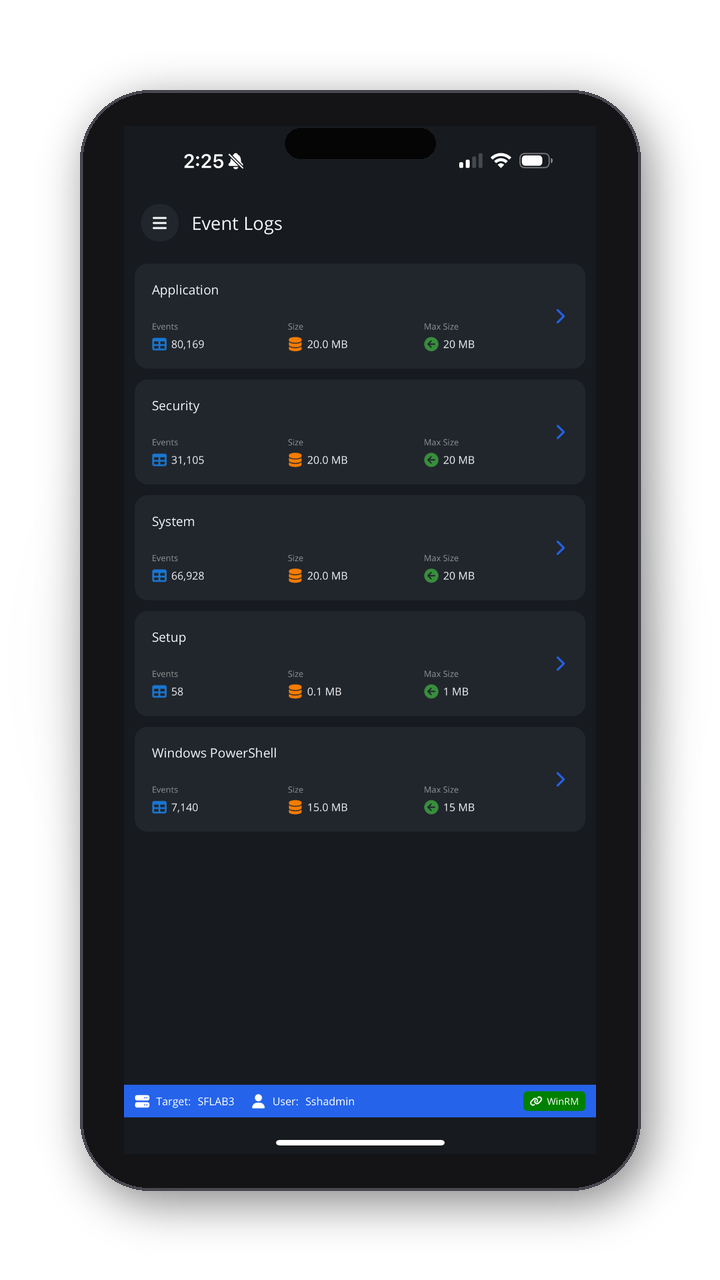
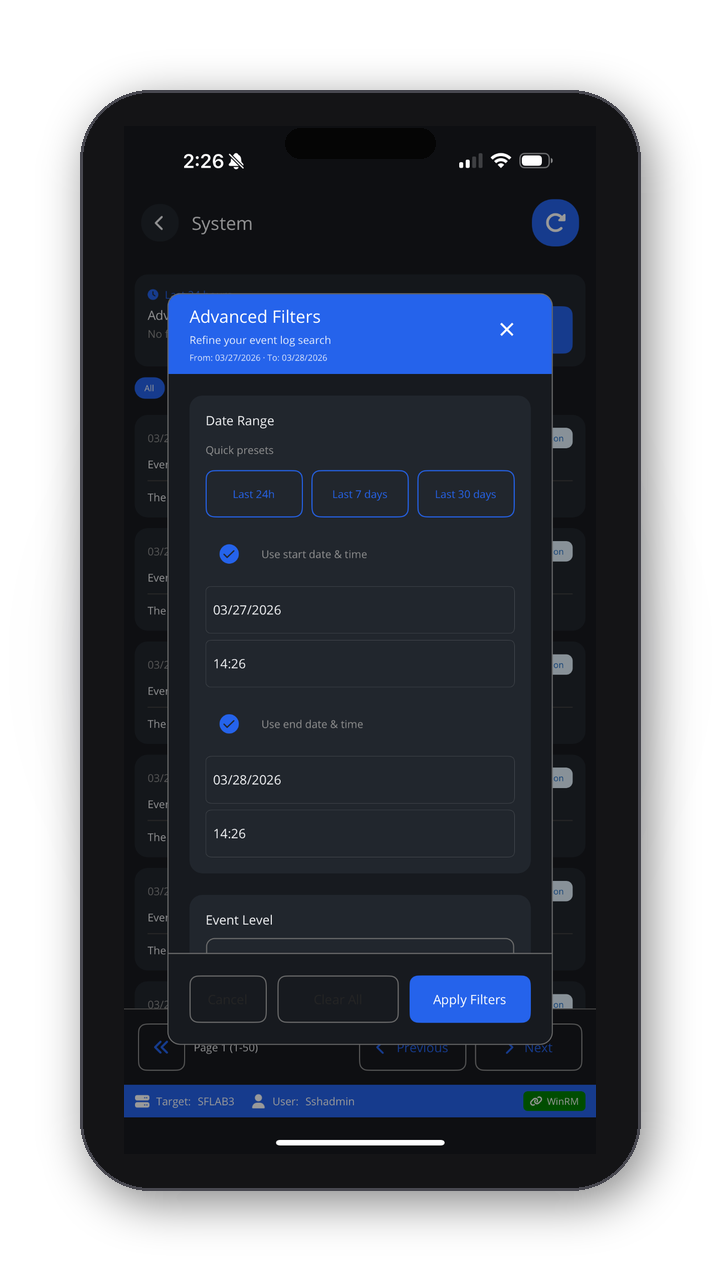
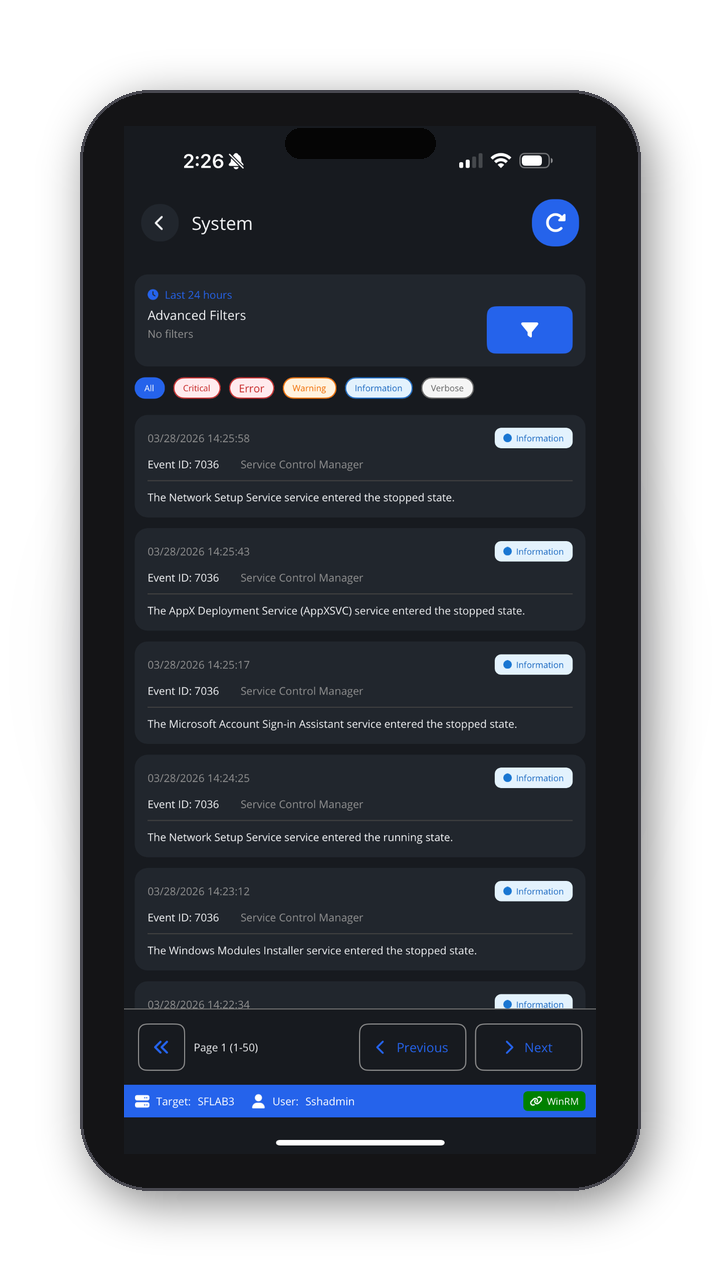
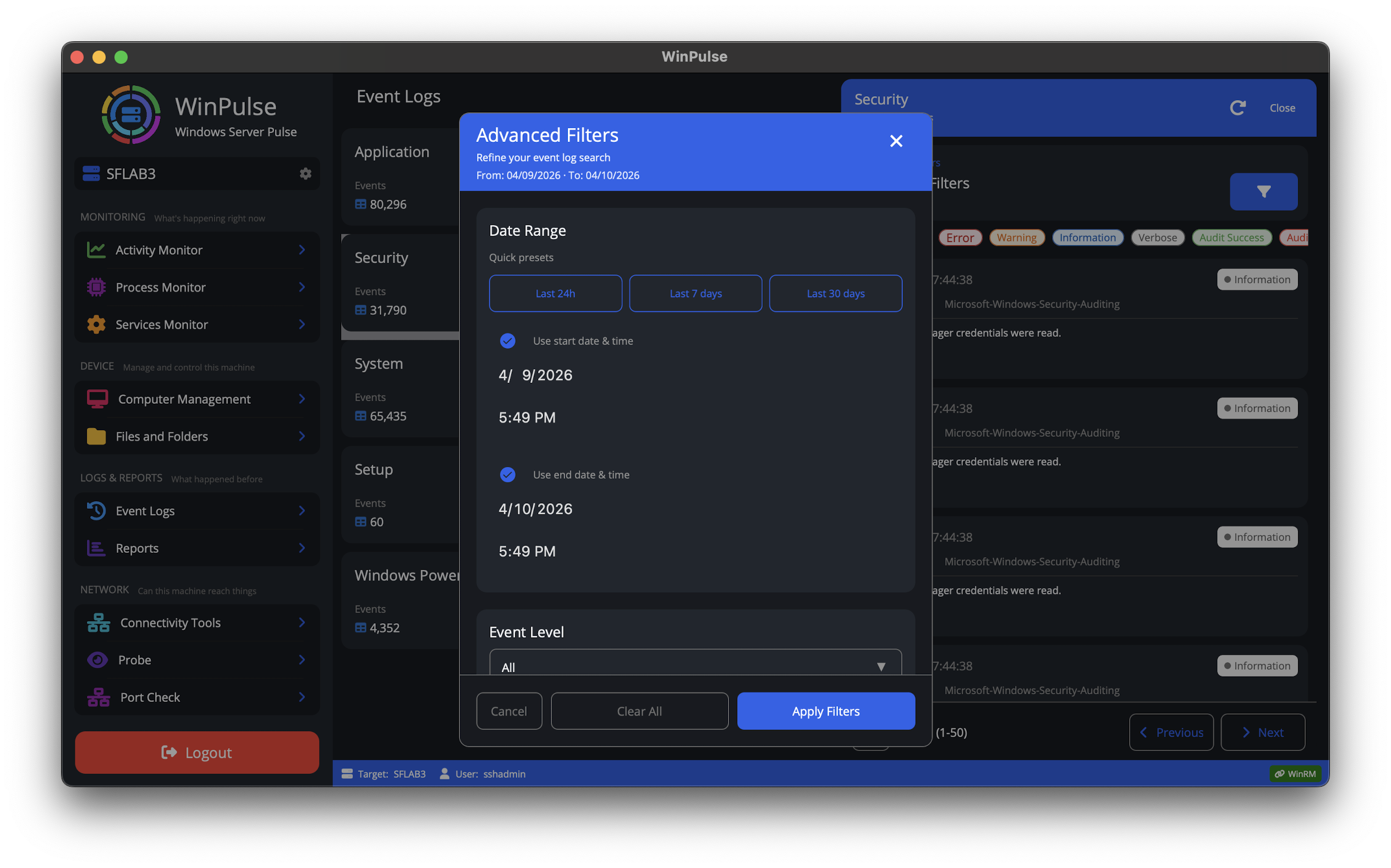
Event logs
Browse Windows event logs remotely while you’re away from your workstation.
Gateway requirement and configurations
Method A — Step-by-step (PowerShell)
Follow the steps in order. Copy each PowerShell block with the copy button, paste it into an elevated PowerShell window, and run it.
1. Run PowerShell as an administrator (right-click the Start menu or PowerShell, then choose Run as administrator).
2. Confirm that OpenSSH capabilities are available on this Windows image:
Get-WindowsCapability -Online | Where-Object { $_.Name -like 'OpenSSH*' }3. Install the OpenSSH Server capability on the gateway (the client is optional). Adjust the capability name if Get-WindowsCapability shows a different version string on your system.
# Install the OpenSSH Server
Add-WindowsCapability -Online -Name OpenSSH.Server~~~~0.0.1.0
4. Start the SSH service, set it to start automatically, and verify the Windows Defender Firewall rule for TCP port 22. Run these in an elevated PowerShell window:
# Start the sshd service
Start-Service sshd

# OPTIONAL but recommended:
Set-Service -Name sshd -StartupType 'Automatic'

# Confirm the firewall rule is configured (it is often created automatically). Create it if missing:
if (!(Get-NetFirewallRule -Name "OpenSSH-Server-In-TCP" -ErrorAction SilentlyContinue)) {
    Write-Output "Firewall Rule 'OpenSSH-Server-In-TCP' does not exist, creating it..."
    New-NetFirewallRule -Name 'OpenSSH-Server-In-TCP' -DisplayName 'OpenSSH Server (sshd)' -Enabled True -Direction Inbound -Protocol TCP -Action Allow -LocalPort 22
} else {
    Write-Output "Firewall rule 'OpenSSH-Server-In-TCP' has been created and exists."
}
5. So remote administrators get a PowerShell session instead of cmd.exe, set PowerShell as the default shell for OpenSSH and restart the service:
# Define the registry path and the PowerShell executable path
$regPath = "HKLM:\SOFTWARE\OpenSSH"
$shellPath = "C:\Windows\System32\WindowsPowerShell\v1.0\powershell.exe"

# Create the registry key if it does not exist
if (!(Test-Path $regPath)) {
    New-Item -Path $regPath -Force | Out-Null
}

# Apply the DefaultShell setting
Set-ItemProperty -Path $regPath -Name "DefaultShell" -Value $shellPath

# Restart the service to apply the new configuration
Restart-Service sshd

Write-Output "Configuration Complete: PowerShell is now the default remote shell."
Method B — Idempotent PowerShell script
Run once in elevated PowerShell. Safe to re-run: it checks state before installing and configures the firewall, service, and default shell.
#Requires -RunAsAdministrator
# Install OpenSSH Server on Windows, set PowerShell as default shell.
# Idempotent: safe to run multiple times.

$ErrorActionPreference = 'Stop'

# --- 1. Install OpenSSH Server (use latest available capability) ---
$cap = Get-WindowsCapability -Online | Where-Object { $_.Name -like 'OpenSSH.Server*' }
if (-not $cap) {
    throw 'OpenSSH.Server capability not found on this image.'
}
if ($cap.State -ne 'Installed') {
    $result = Add-WindowsCapability -Online -Name $cap.Name
    if ($result.State -ne 'Installed') {
        throw "OpenSSH Server install failed. State: $($result.State)"
    }
}

# --- 2. Start service and set auto-start ---
Set-Service -Name sshd -StartupType Automatic
Start-Service -Name sshd

# --- 3. Firewall rule (create only if missing) ---
$ruleName = 'OpenSSH-Server-In-TCP'
if (-not (Get-NetFirewallRule -Name $ruleName -ErrorAction SilentlyContinue)) {
    New-NetFirewallRule -Name $ruleName -DisplayName 'OpenSSH Server (Inbound)' -Enabled True -Direction Inbound -Protocol TCP -Action Allow -LocalPort 22
}

# --- 4. Set PowerShell as default shell and restart SSH ---
$regPath = 'HKLM:\SOFTWARE\OpenSSH'
$shellPath = 'C:\Windows\System32\WindowsPowerShell\v1.0\powershell.exe'
if (-not (Test-Path $regPath)) {
    New-Item -Path $regPath -Force | Out-Null
}
Set-ItemProperty -Path $regPath -Name 'DefaultShell' -Value $shellPath -Type String -Force
Restart-Service -Name sshd -Force

Write-Host 'OpenSSH Server is installed, firewall rule added, and PowerShell set as default shell.'
Method C — Install using the GUI (UI walkthrough)
Here is a concise guide to installing the OpenSSH Server via the Windows UI and configuring PowerShell as the default shell.
1. Enable OpenSSH Server (UI Method)
Select Start, type Optional Features, and select it from the results. Check the list for OpenSSH Server. If it is missing, select View features at the top, search for OpenSSH Server, select it, and click Add. Wait for the installation to finish.
2. Configure the Service (UI Method)
Select Start, type services.msc, and press Enter. Double-click OpenSSH SSH Server. Set Startup type to Automatic. Click Start, then click OK.
3. Set PowerShell as Default (Quick Method)
By default, SSH connections open in Command Prompt (cmd.exe). After the UI steps above, run the two PowerShell lines below in an elevated PowerShell window to set PowerShell as the default shell and restart the service.
Run as Administrator in PowerShell:
# Set PowerShell as the default shell in the Registry
Set-ItemProperty -Path "HKLM:\SOFTWARE\OpenSSH" -Name "DefaultShell" -Value "C:\Windows\System32\WindowsPowerShell\v1.0\powershell.exe"

# Restart the service to apply the change
Restart-Service sshd
Gateway setup video (YouTube)
Why IT Teams Choose WinPulse
- Not a thin RDP client
- No agents installed on target servers
- No exposed WinRM endpoints
- Built on native Windows protocols
- Manage multiple servers from a single secure gateway
- Operates within your existing Windows security model
Focused server control — without RDP dependency.
See it in Action
Essential Windows Server Administration Tools
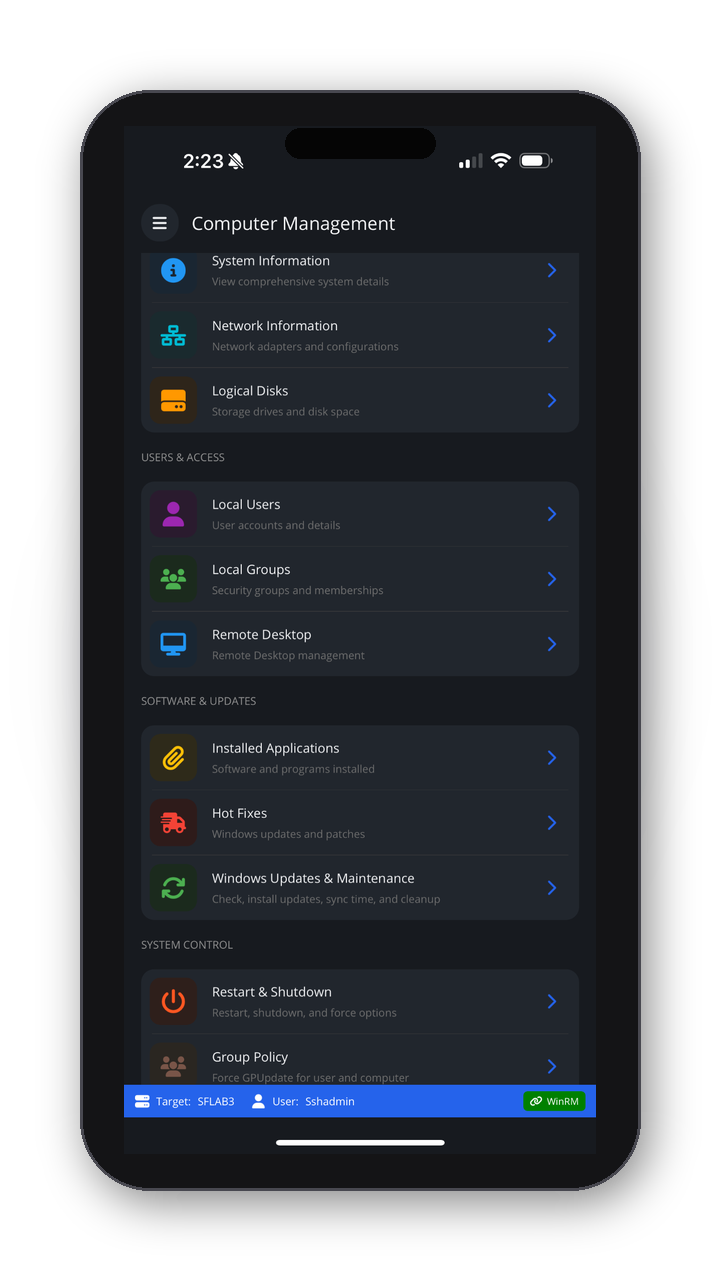
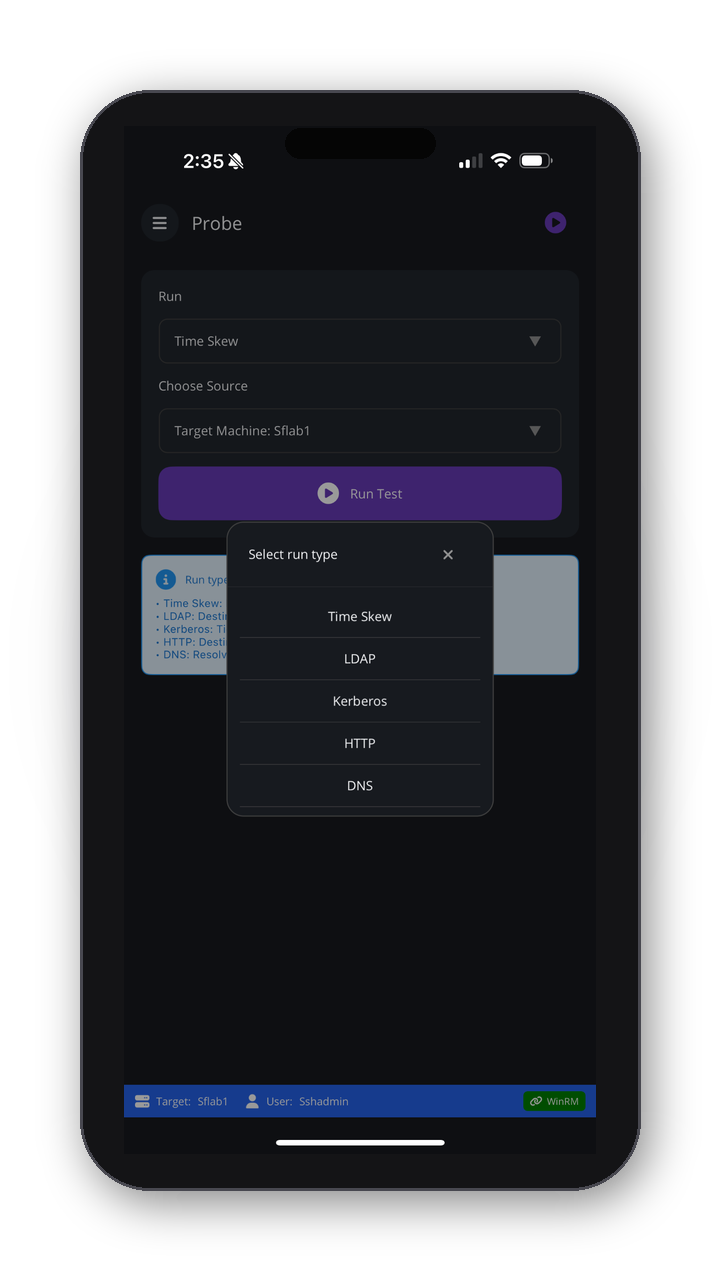
Everything you need to monitor, manage, and maintain your Windows servers — securely from anywhere.
Live view of CPU, memory, services, and event logs on the target server.
- Activity dashboard — See health at a glance without Task Manager or RDP.
- Process monitor — Find and inspect heavy or suspicious processes in seconds.
- Service manager — Check and control critical services without a console.
- Event logs — Review errors and security events before a meeting or during an outage.
Need Active Directory management? See ADSignify
Security and Architecture
- No agents on target servers
- No exposed WinRM endpoints
- Single secure gateway (SSH); internal protocols only
- Built on native Windows management (WinRM, WMI, CIM)
- Aligns with your existing security and deployment practices
For the full architecture description and diagram, see WinPulse security and architecture .
What Teams Like About WinPulse
“Server reboots and service restarts from my phone have been a game-changer. No more jumping on a laptop for quick fixes.”
— Systems Administrator
“We manage dozens of servers across environments. WinPulse's connection profiles and multi-target support save us hours.”
— Infrastructure Lead
“Event logs and process monitoring on the go—exactly what we needed for after-hours support without RDP.”
— IT Manager
Questions
Gateway & targets 6 questions
What is a gateway (GW)?
The gateway is the Windows computer where the WinPulse mobile app connects over SSH. After the gateway is configured, you can manage it as a target, or connect to other Windows machines in the domain as targets.
What is a target?
The gateway is the first target. From the gateway, the app can reach other machines in your environment. To manage another computer, add it to your target list. The app checks connectivity and adds it when verification succeeds.
What do I need on the server side to use WinPulse?
You need one Windows machine (the gateway) with OpenSSH Server and PowerShell as the default shell for SSH. Target servers need WinRM enabled—no extra agents. If you can manage a machine remotely today (for example via WinRM or WMI), WinPulse can use the same path through the gateway.
How does the app communicate between the gateway and a target?
After the app is connected to the gateway, it uses the standard Windows approach: WinRM to reach the target.
Can we have multiple gateways?
Yes. Typical reasons include separate environments (production, development, test) with different gateways, accounts, and target sets; different customers or tenants; different remote sites; or servers owned by different teams.
Can I manage Windows 10 and Windows 11 as targets?
Yes. On many workstations, WinRM is not enabled by default, and PowerShell execution policy may be restricted. Align those settings with what you use on a typical managed server—for example enable WinRM and set execution policy for remote management (such as RemoteSigned) where your security policies allow.
Security & privacy 6 questions
Does WinPulse require any open ports on the internet?
Like many monitoring and management setups, WinPulse does not require you to expose management ports to the internet. When you are on the office network (or on it indirectly via VPN) and connected to the gateway, you can manage targets as long as the gateway—as a domain member—can reach those machines. In short: no requirement to open SSH or WinRM to the internet for this model.
How secure is the solution?
The mobile app connects to the gateway over SSH, a widely used encrypted channel. From the gateway to targets, traffic uses WinRM, Microsoft’s standard remote management stack.
Is WinPulse agent-based or agentless?
Agentless. WinPulse does not install third-party agents on targets. It relies on built-in Windows mechanisms such as WinRM and SSH on the gateway.
Where are credentials stored?
On Apple platforms, credentials are stored in the system Keychain, accessible only to the app in its sandbox. If you need an option not to save passwords, contact us—security is a first-class concern.
Does WinPulse support least privilege?
WinPulse follows Windows’ own authorization model. If your account can perform an action from the gateway with your current (least-privilege) rights, WinPulse does not bypass that. Many admins use Group Policy or similar to place admin accounts in the local Administrators group on devices; WinPulse works with those same permission patterns.
Do you send any data externally?
Traffic between the gateway and targets stays inside your environment; WinPulse does not capture or relay that management traffic to external servers. For App Store purchases, subscriptions, and licensing, Apple’s systems (and any analytics or store policies you’ve agreed to) apply as with any App Store app.
Connectivity & compatibility 4 questions
Does WinPulse work over Wi-Fi, cellular, or from outside the network?
Yes. WinPulse works over Wi-Fi and cellular. You connect to your gateway over SSH (port 22). From outside the network, use VPN or another secure tunnel to reach the gateway, then manage all targets from the app.
What Windows Server versions are supported? What about targets?
WinPulse supports Windows Server 2022, 2019, 2016, 2012 R2, and Server Core. The app runs on iOS, iPadOS, and macOS (Apple Silicon). As targets, any Windows Server or workstation versions that support WinRM in your configuration are supported, subject to your WinRM and policy setup.
What permissions do I need to sign in and manage my fleet?
Normal Windows permissions apply. If you can manage a device from the gateway with your account today, WinPulse will behave consistently with that access.
Does WinPulse work with Entra ID (Azure AD)?
If a Windows machine is domain-joined (Active Directory), it can be managed whether the environment is on-premises, in Azure, or hybrid—those scenarios align with how the product is used. Cloud-only Entra ID–joined machines (without a traditional AD join) have not been the focus of testing; if you need that, reach out to discuss requirements.
Licensing, support & product scope 6 questions
What is the cooldown period on a target?
After a gateway or target is successfully added and verified, it cannot be deleted for 15 days. This supports license management.
Is there a free tier? How does licensing work?
There is a free tier that supports up to three targets. To manage more targets, use the monthly or annual in-app subscriptions (see the App Store listing for current options).
How can I reach you?
Human support is available by email; we aim to respond quickly. We are based in the Bay Area, California, and can align with Pacific business hours when needed.
How do I get support or documentation?
Use this product page, the WinPulse security and architecture guide, and Contact us for questions. You can also email winsignify@signifium.com.
Can I manage Active Directory from this app?
No—WinPulse is focused on Windows server and workstation operations through the gateway. For Active Directory administration, see ADSignify.
Is the app LAPS-aware?
Not yet; we are working on it.
Screenshots & Visual Proof
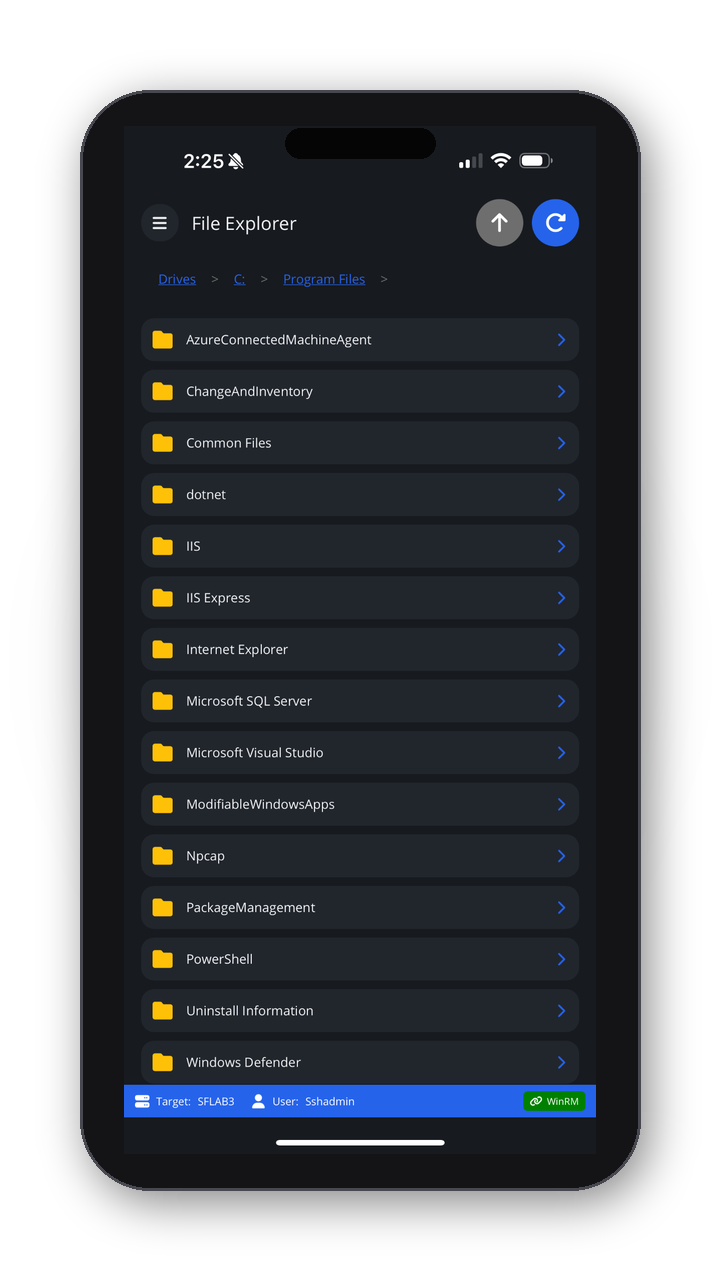
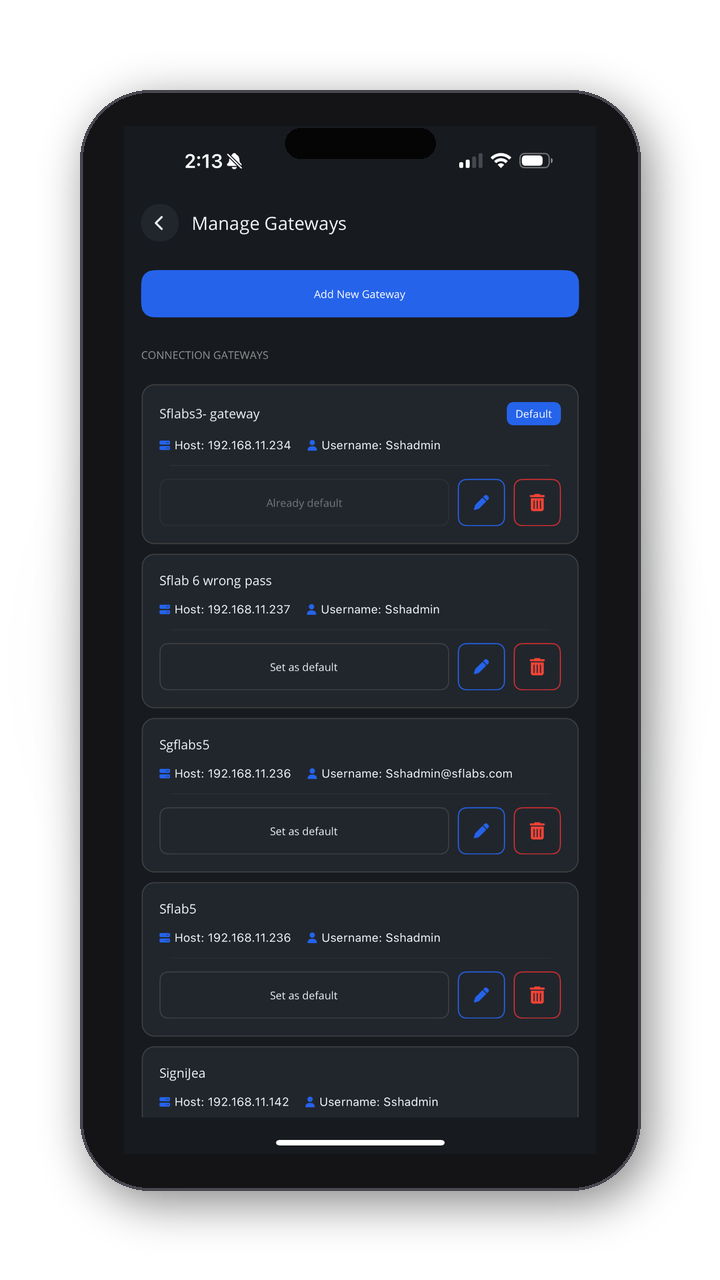
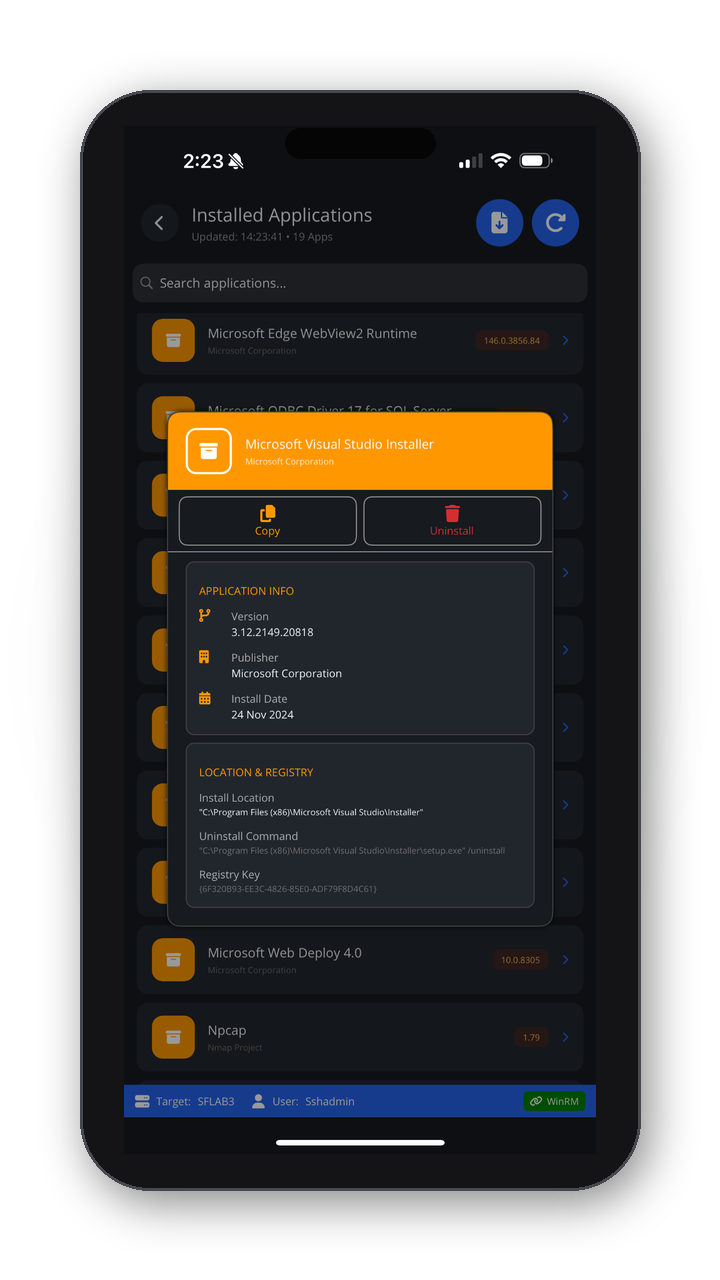
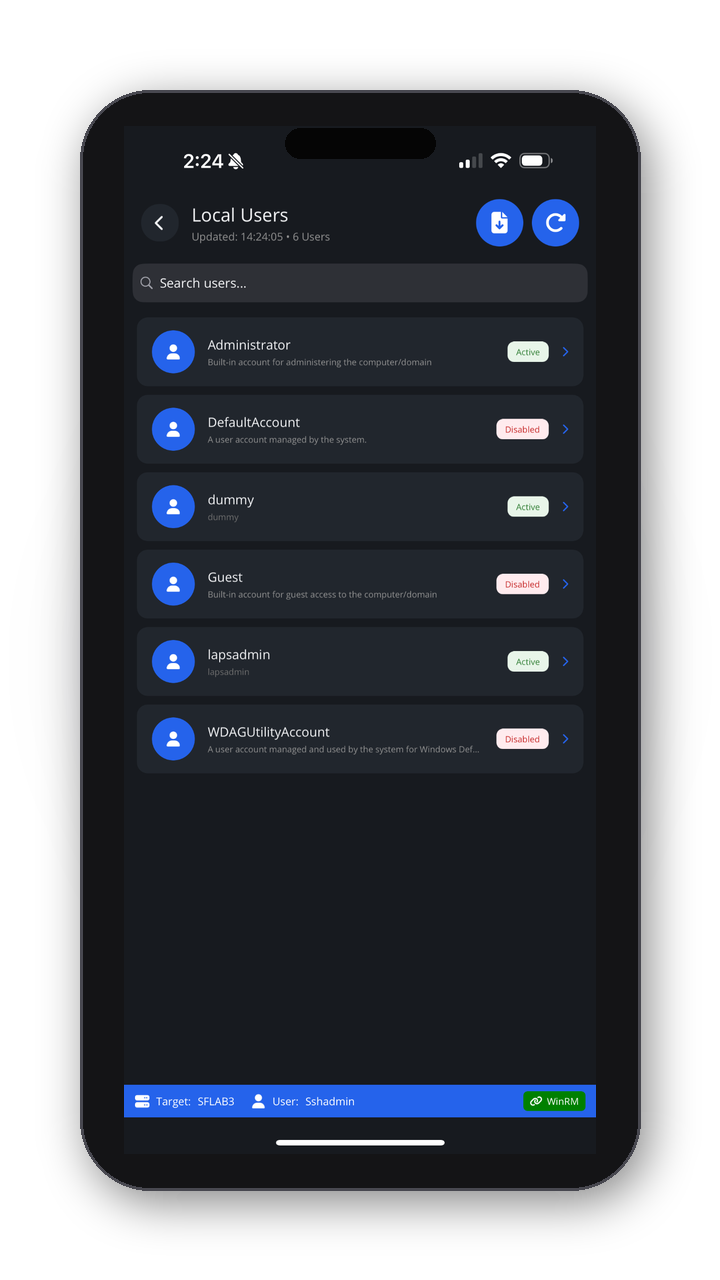
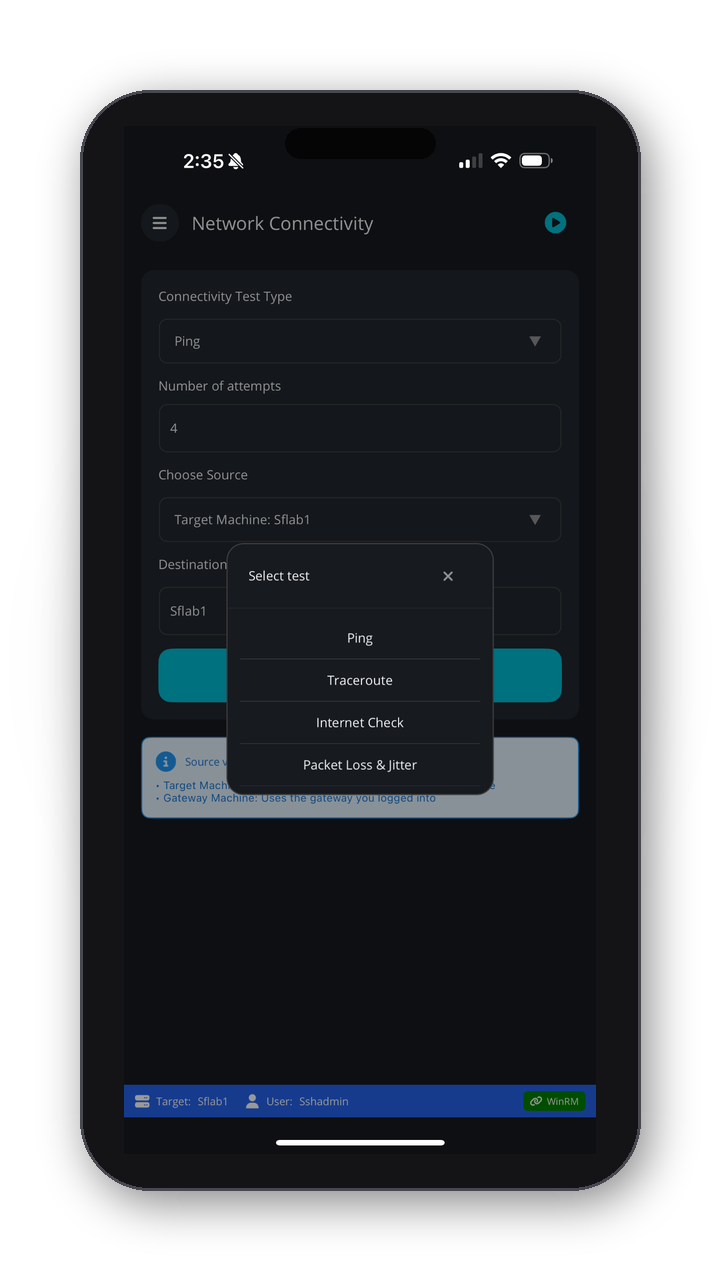
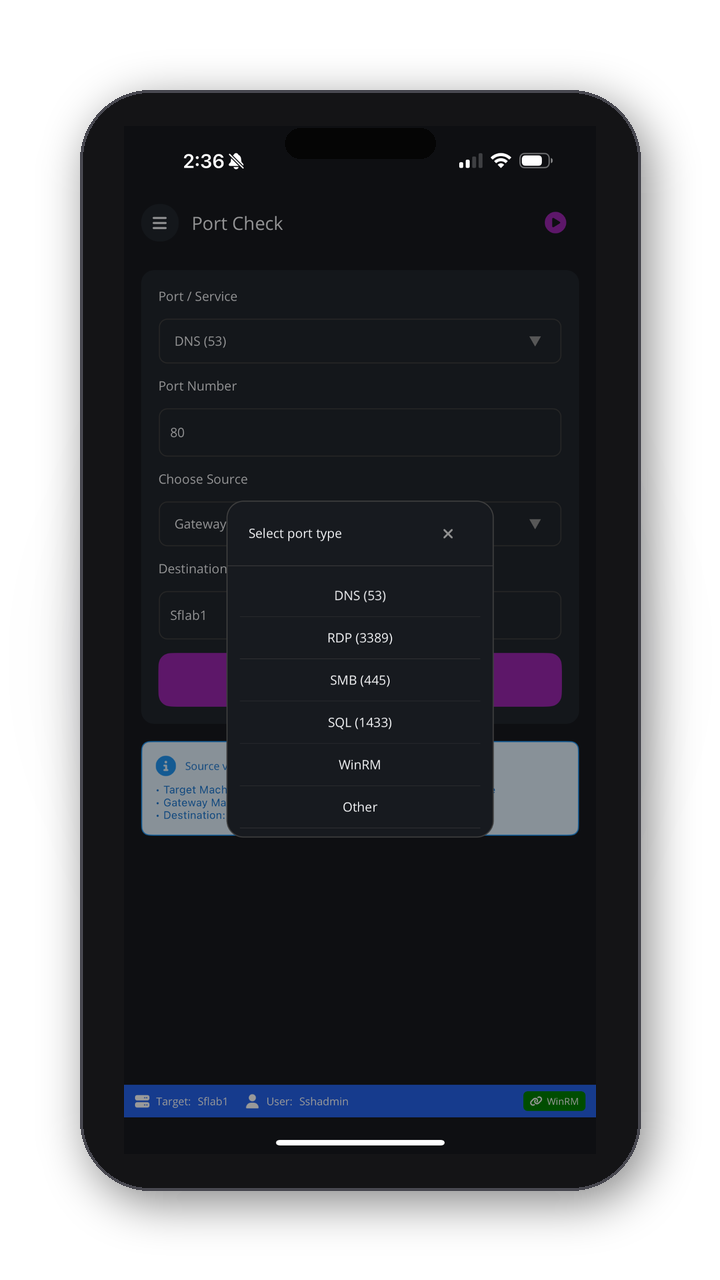
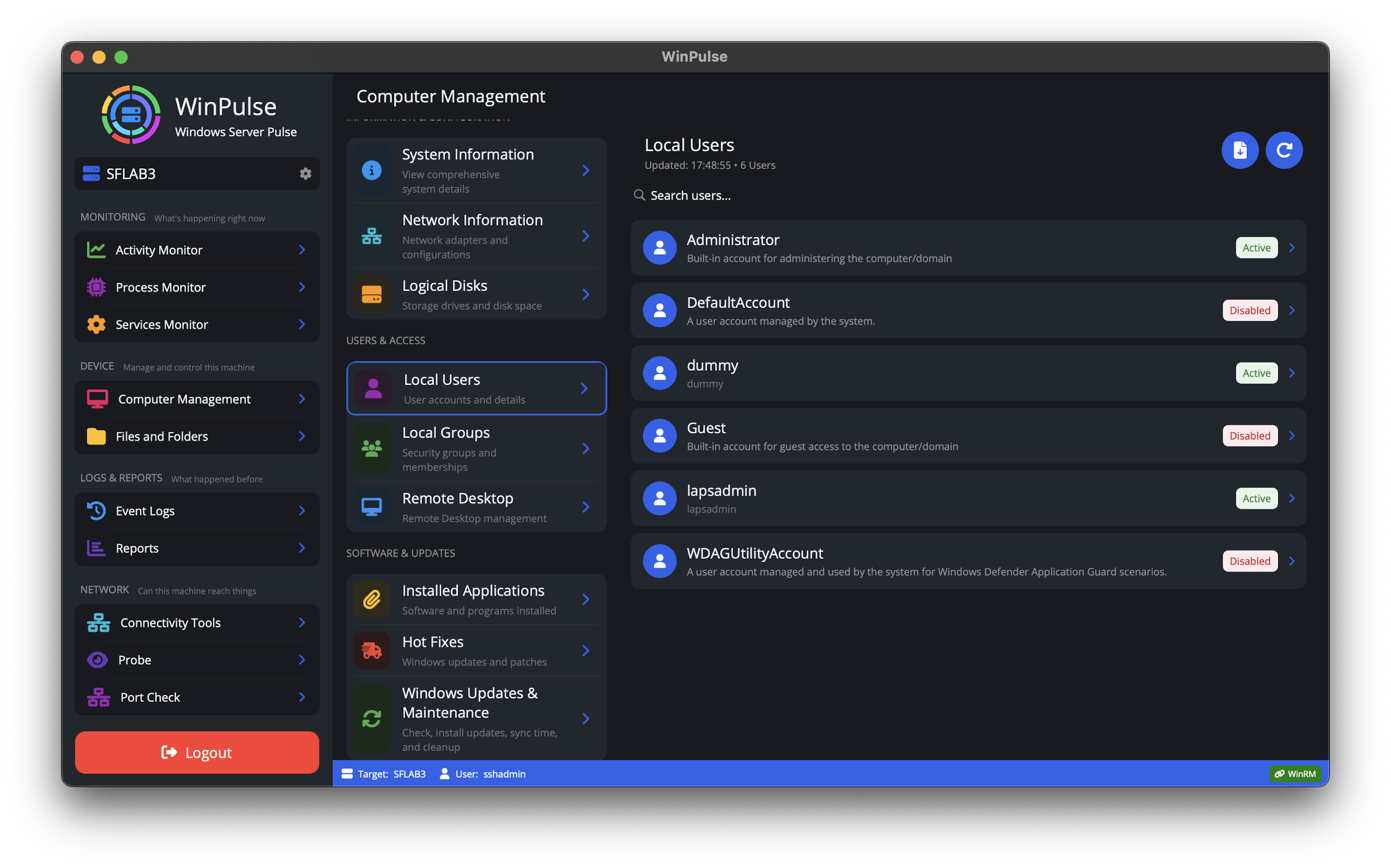
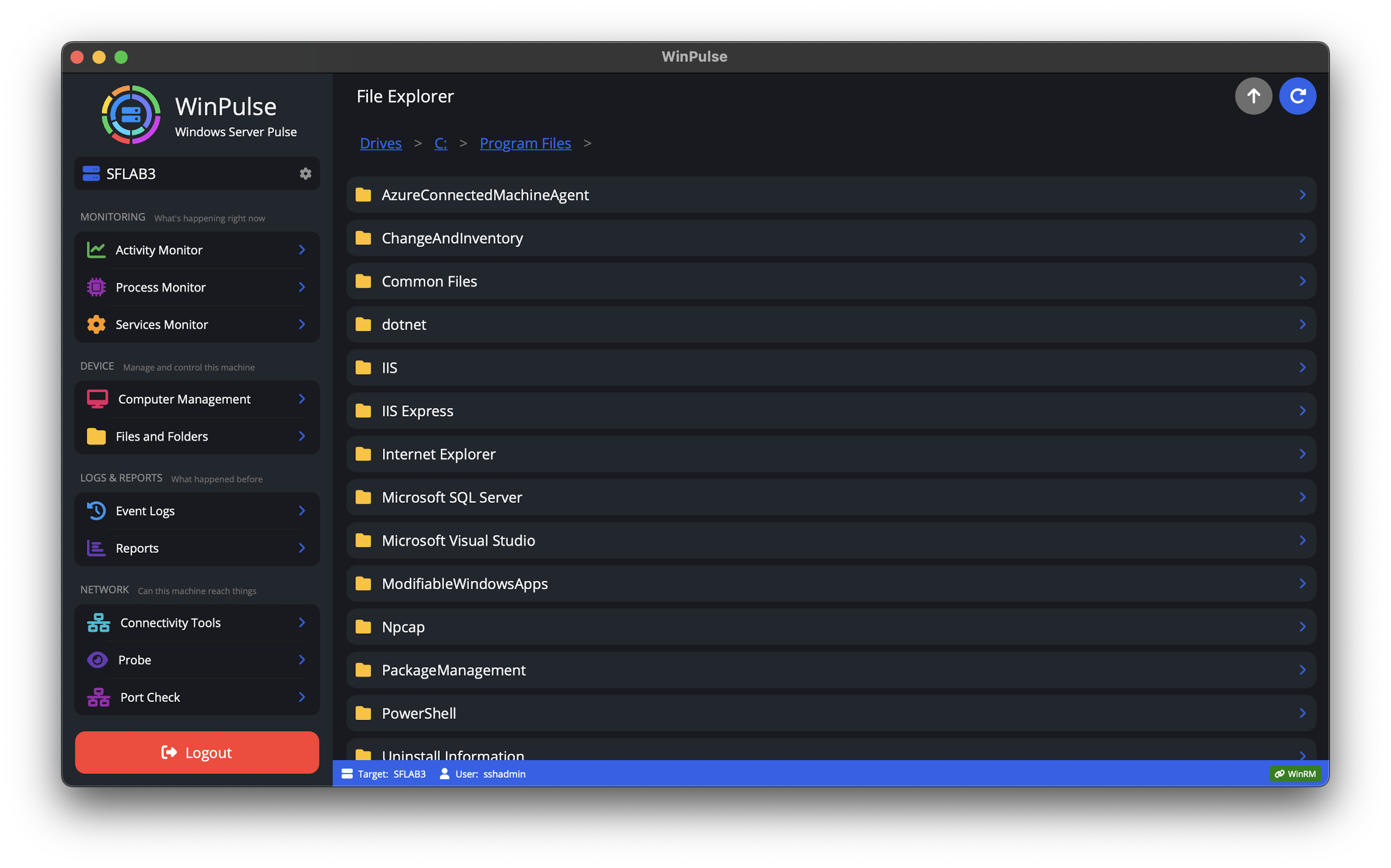
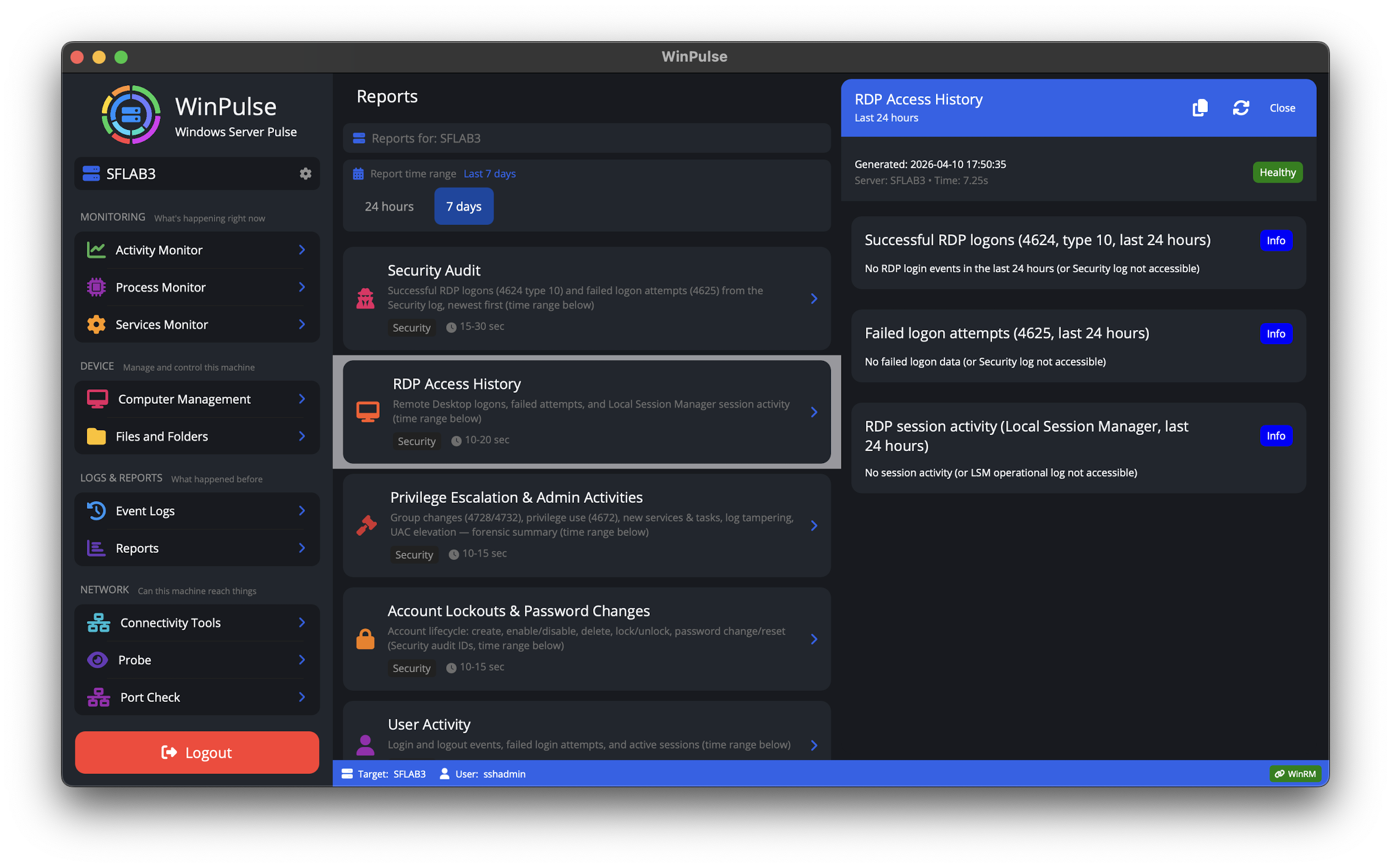
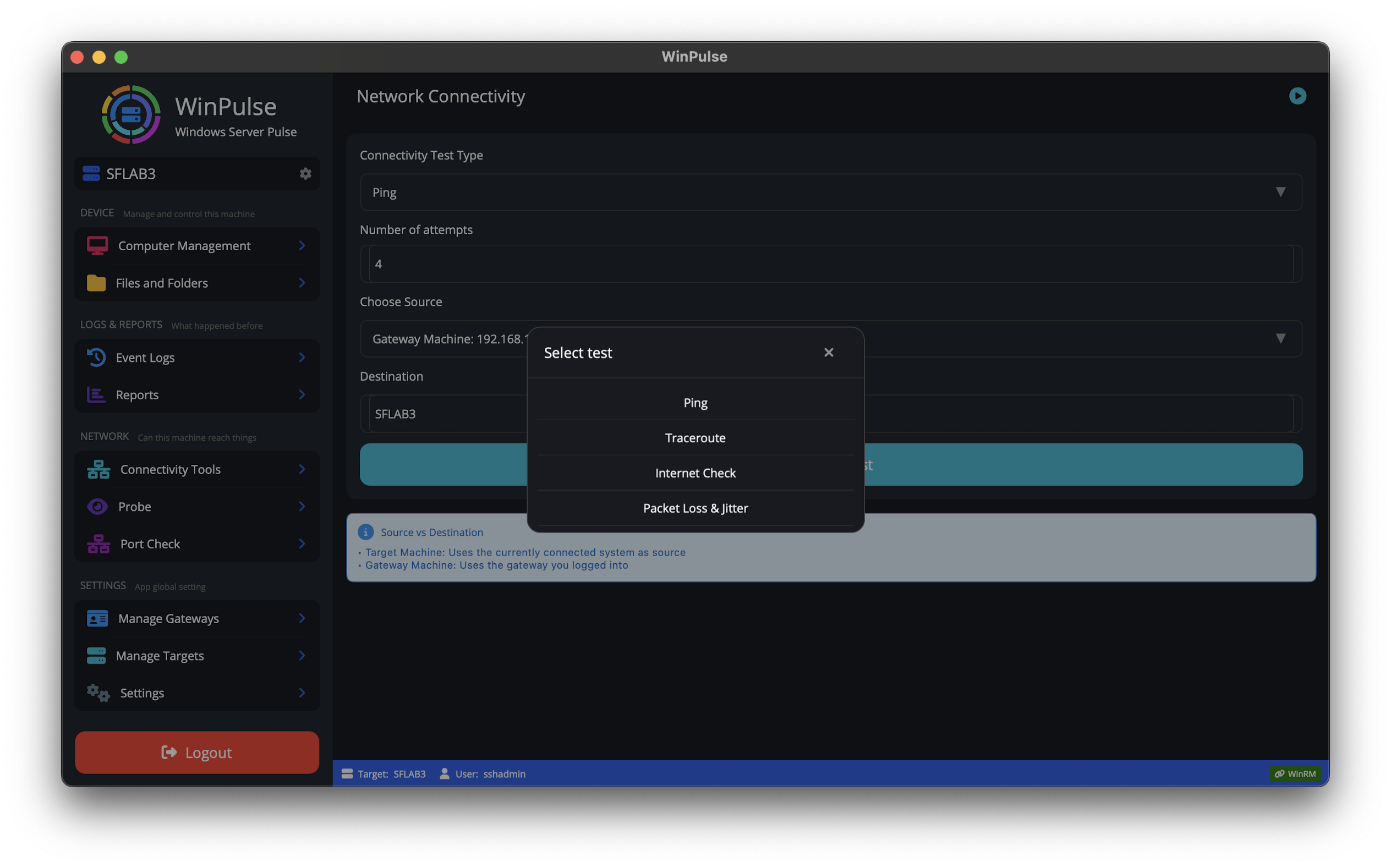
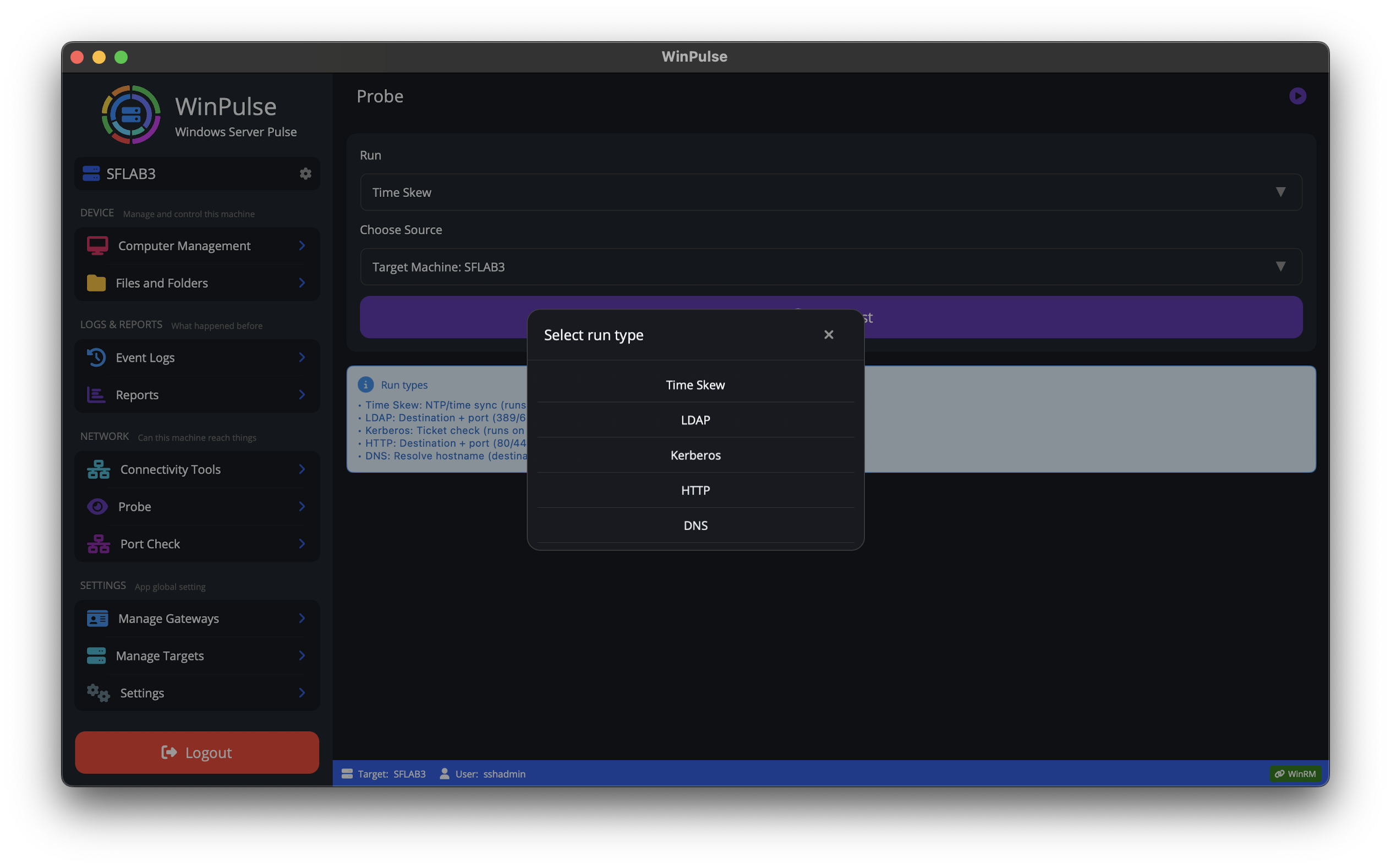
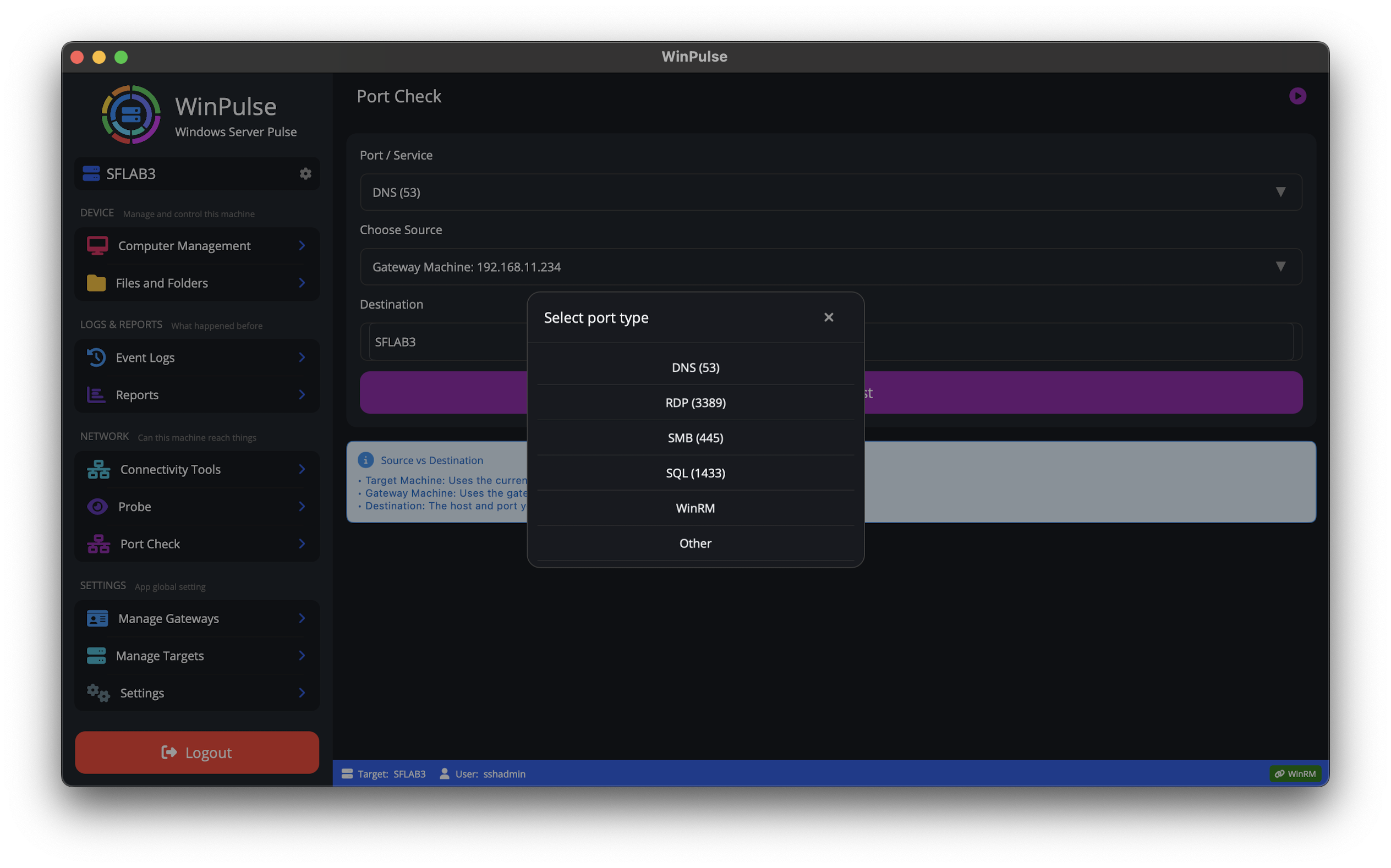
Browse representative screens on iPhone, iPad, or Mac: monitoring, services, event logs, gateway setup, diagnostics, and reports. Use the tabs to switch platform. Tap a thumbnail to enlarge it, or use View all for the full gallery.
Need Active Directory management? See ADSignify
Deploy a secure gateway. Connect once. Manage your entire Windows Server fleet.
Try WinPulse Free